17
X
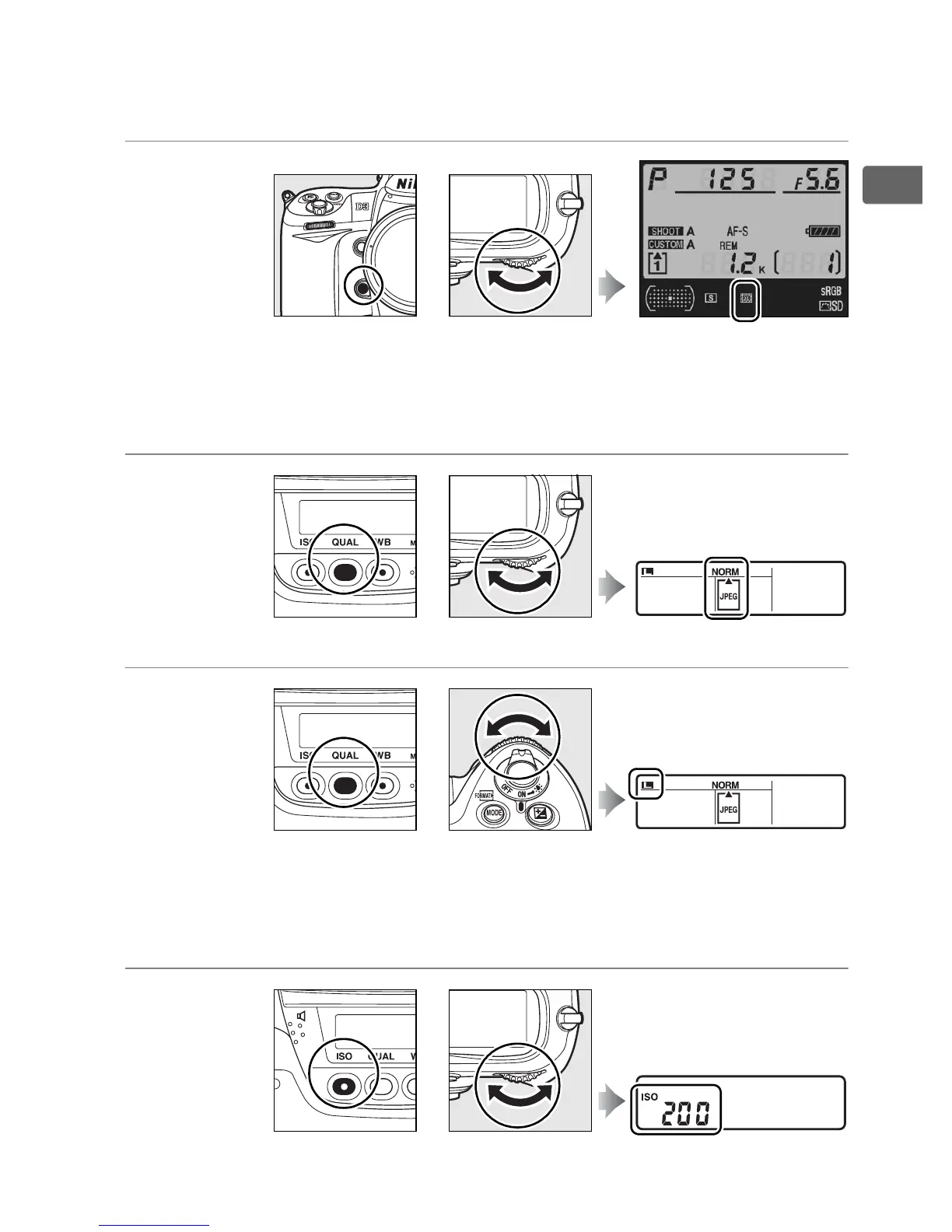
❚❚ Image Quality and Size
Press the Fn or QUAL button and rotate the command dials.
Choose an
image area (pg.
64)
*
* The DX format image area is automatically selected when a DX lens is
attached.
Set image
quality
(pg. 66)
Choose an image
size (pg. 70)
❚❚ ISO Sensitivity
Press the ISO button and rotate the main command dial.
Set ISO
sensitivity (pg.
108)
+
Fn button Main command dial Shooting information
display
QUAL button Main command dial Rear control panel
+
QUAL button Sub-command dial Rear control panel
+
ISO button Main command dial Rear control panel
+



 To Next Page