177
J
Managing Custom Picture Controls
Follow the steps below to rename or delete custom Picture
Controls.
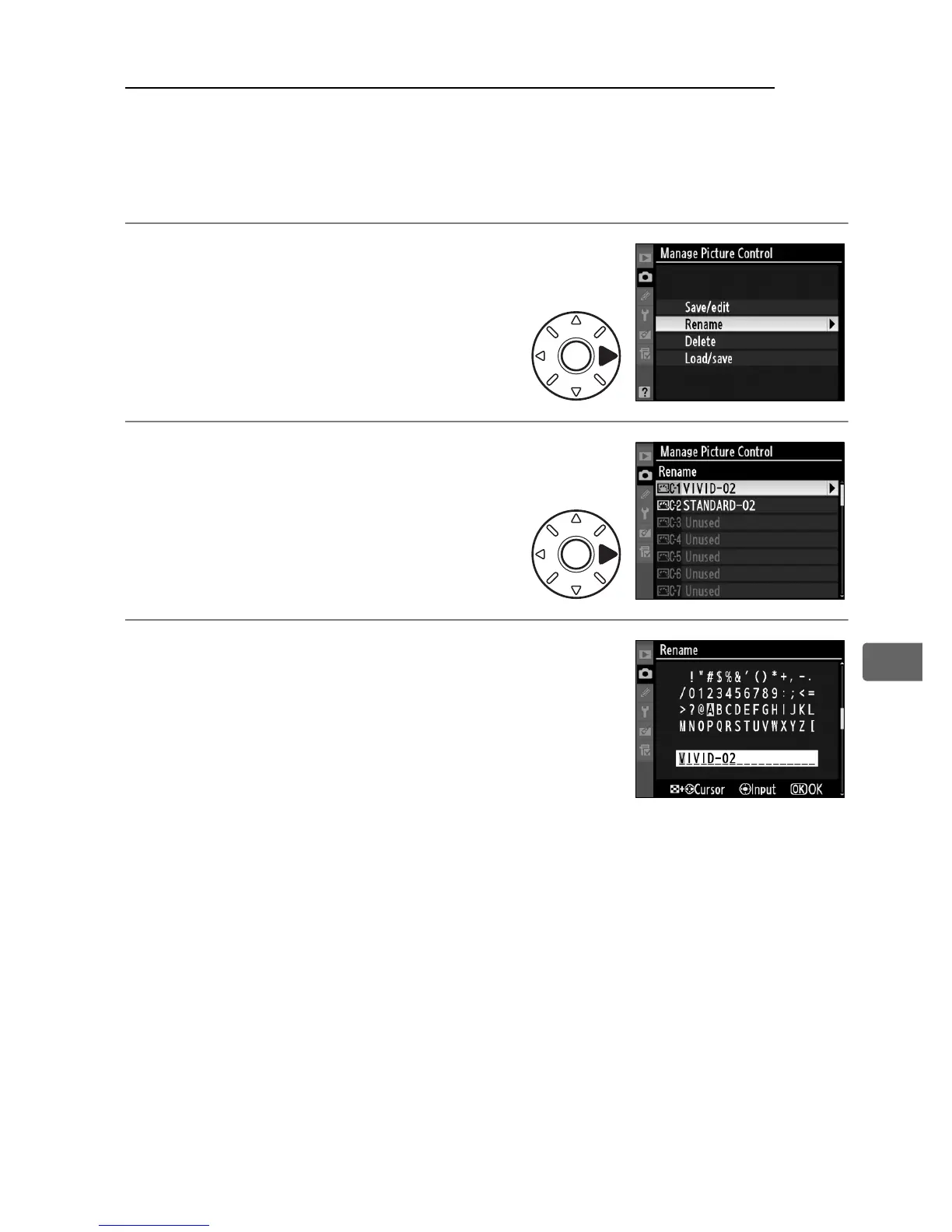
❚❚ Renaming Custom Picture Controls
1 Select [Rename].
In the [Manage Picture Control]
menu, highlight [Rename] and
press 2.
2 Select a Picture Control.
Highlight a custom Picture
Control (C-1 through C-9) and
press 2.
3 Rename the Picture Control.
Rename the Picture Control as described
on page 172.



 To Next Page