178
J
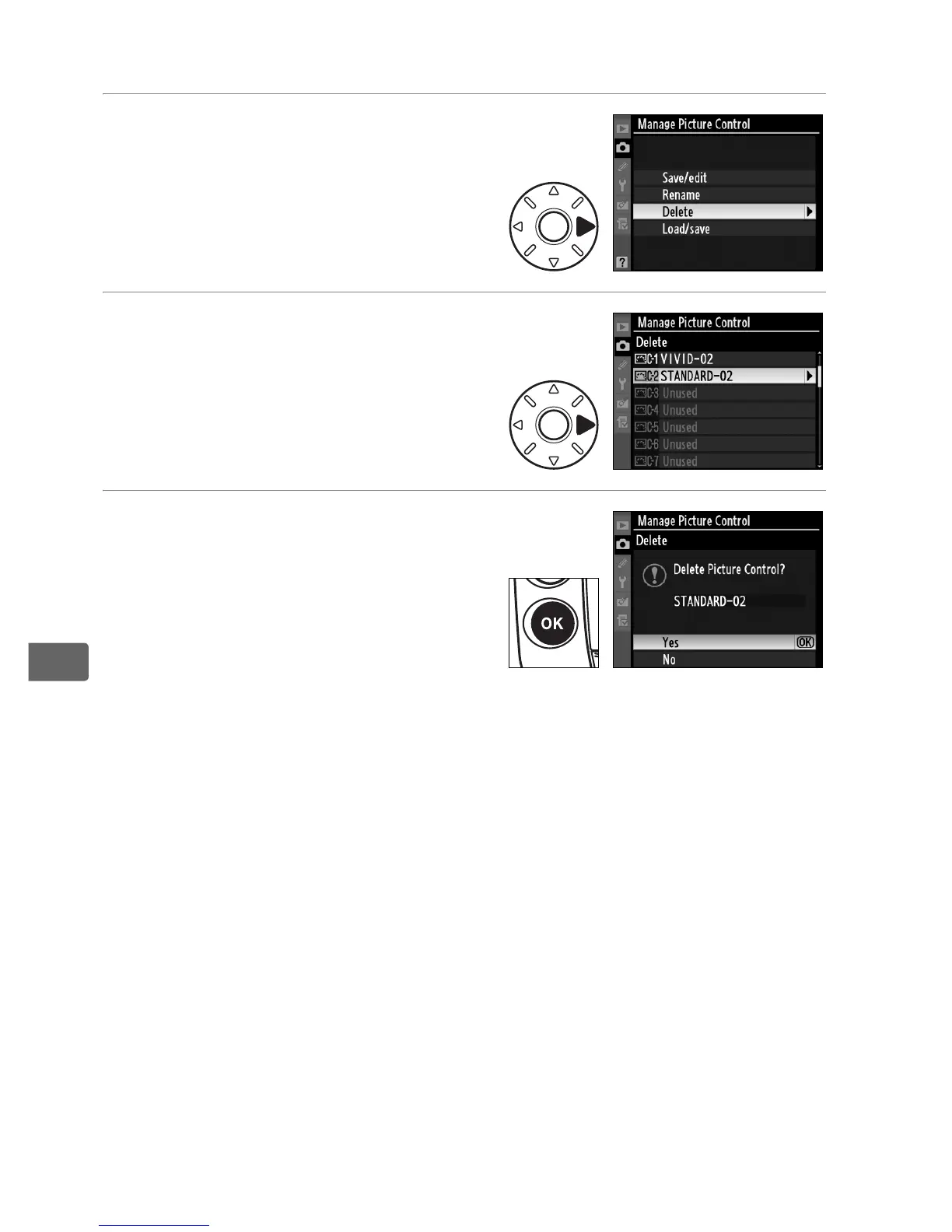
❚❚ Deleting Custom Picture Controls from the Camera
1 Select [Delete].
In the [Manage Picture Control]
menu, highlight [Delete] and
press 2.
2 Select a Picture Control.
Highlight a custom Picture
Control (C-1 through C-9) and
press 2.
3 Select [Yes].
Highlight [Yes] and press J to
delete the selected Picture
Control.
A Nikon Picture Controls
The Nikon Picture Controls supplied with the camera ([Standard],
[Neutral], [Vivid], and [Monochrome]) can not be renamed or deleted.



 To Next Page