260
Q
7 Turn the camera off.
If [MTP/PTP] is selected for [USB], the camera can be turned off
and the USB cable disconnected once transfer is complete.
If
[Mass Storage] is selected, the camera must first be removed
from the system as described below.
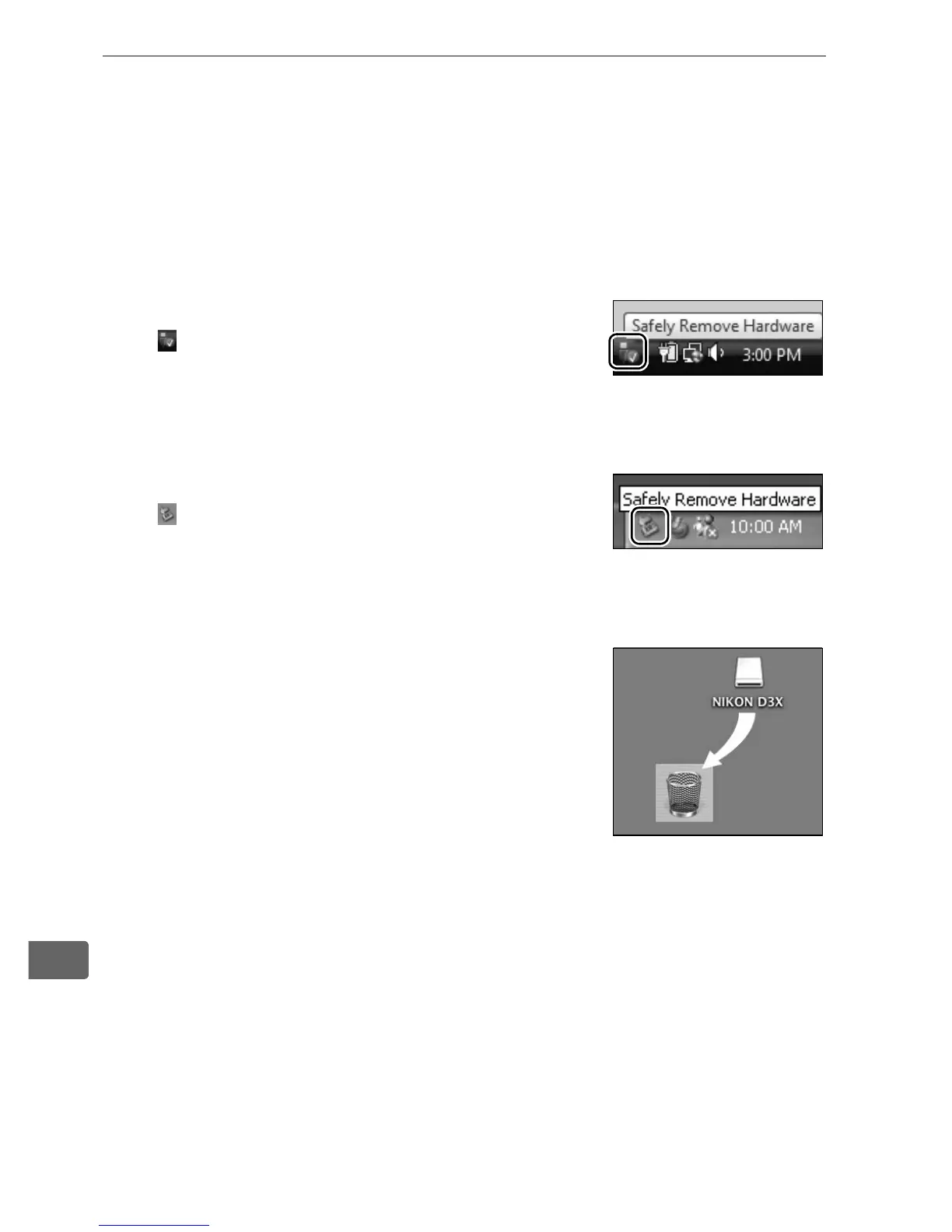
Windows Vista
Click the “Safely Remove Hardware” icon
( ) in the taskbar and select [Safely
Remove USB Mass Storage Device] from
the menu that appears.
Windows XP Home Edition / Windows XP Professional
Click the “Safely Remove Hardware” icon
( ) in the taskbar and select [Safely
remove USB Mass Storage Device] from
the menu that appears.
Mac OS X
Drag the camera volume (“NIKON D3X”)
into the Trash.



 To Next Page