337
U
Portrait (Tall-Orientation) Photographs
To use the command dials to select the focus point when framing
shots in portrait (“tall”) orientation:
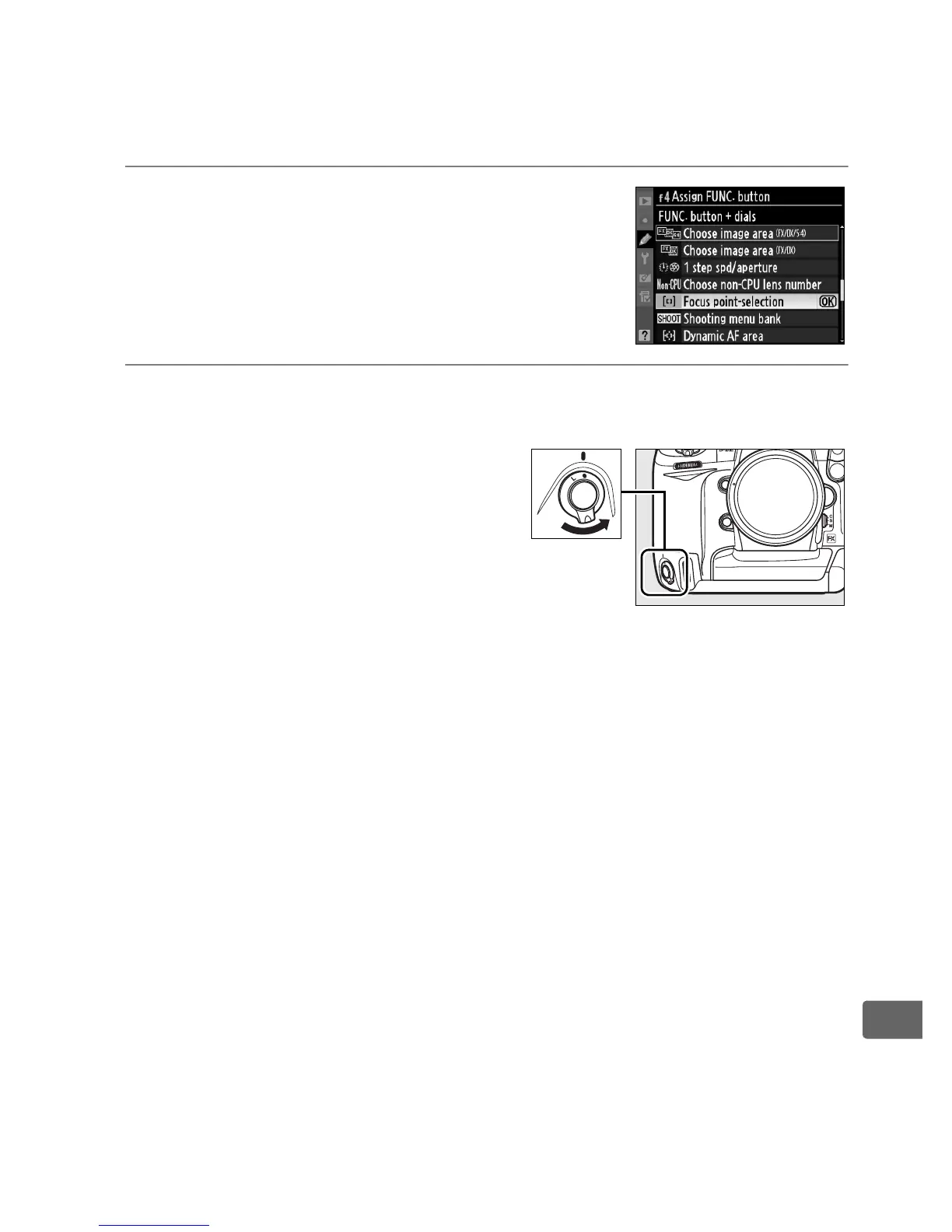
1 Choose [Focus point-selection].
Select [Focus point-selection] for
Custom Setting f4 ([Assign FUNC.
button]) > [FUNC. button+dials].
2 Unlock the shutter-release
button for vertical
shooting.
Vertical shutter-release button
lock



 To Next Page