25
When Lighting Is Poor: Using the Flash
More on Photography
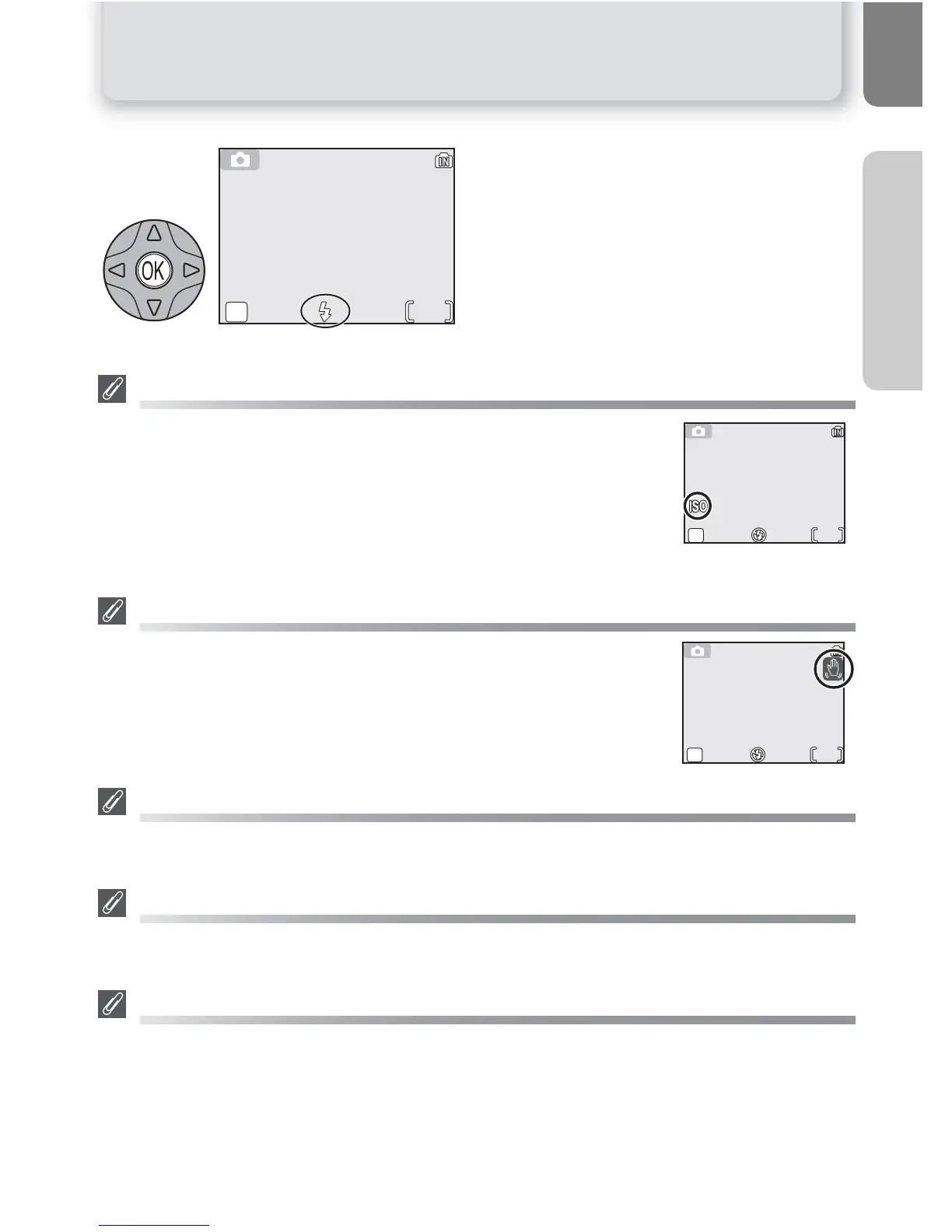
Exit menu. Flash mode shown by icon at
bottom of monitor.
Sensitivity ( ISO Equivalency)
"Sensitivity" is a measure of how quickly the camera responds to light.
Your Nikon digital camera normally has a sensitivity roughly equivalent to
film with an ISO 50 rating. When lighting is poor and the flash is off ($),
the camera will automatically increase sensitivity, permitting faster expo-
sures and minimizing blur caused by inadvertent camera movement (cam-
era shake). An ISO icon will appear in the monitor to warn that the picture
may be slightly mottled.
The 2 (Camera Shake) Icon
When lighting is poor and the flash is off ($), shutter speeds will slow and
pictures may be blurred. If the shutter speed required for exposure is very
slow, a 2 (camera shake) warning will appear in the monitor. Use of a tri-
pod or support is recommended.
Flash Range
Flash range varies with zoom position. The range at minimum zoom is 0.4 - 3.3m (1´4” - 10´10”)
and 0.4 - 2.0 m (1´4” - 6´7”) at maximum zoom.
Close-Ups
The flash may not be able to light the entire subject at distances of less than 40 cm (1´4”). When
taking close-ups, play each picture back after shooting to check the results.
Flash Mode Selection
In P (auto) mode, the camera "remembers" the current flash mode setting even when the cam-
era is turned off. The most recent setting will automatically be restored whenever the mode dial is
set to P unless the Reset all option in the SET-UP menu is used to restore the default setting
(Q 100). Depending on the shooting mode selected, the flash mode may change automatically
when you choose a new shooting mode (Q 28-41).
3















 To Next Page