30
More on Photography
Framing Assist
The four assist modes offer a selection of framing assist options that allow you
to compose pictures with the help of framing guides displayed in the monitor. To
use framing assist, rotate the mode dial to the desired mode and follow the steps
below.
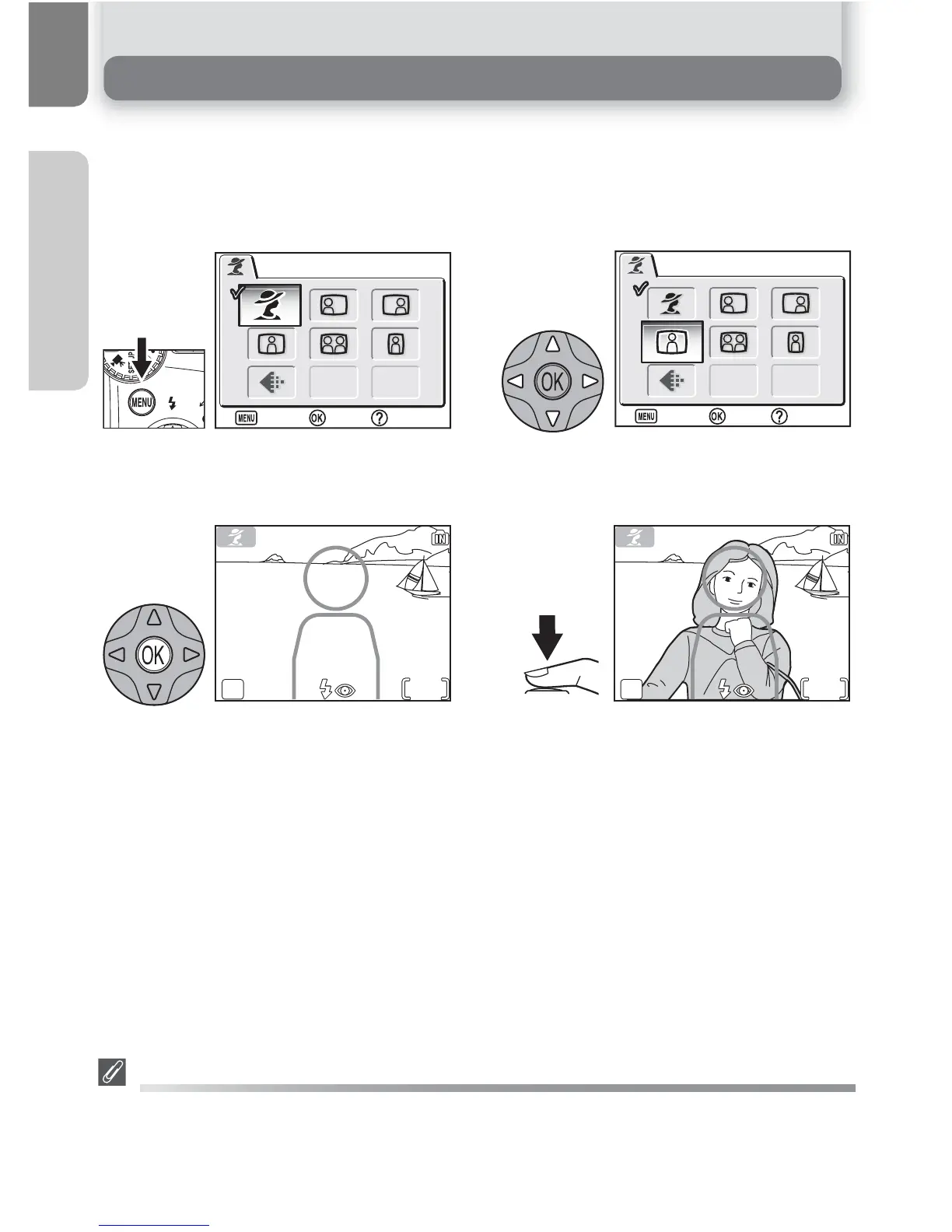
After selecting mode, display framing as-
sist menu.
Make selection to return to shooting
mode. Framing guide appears in moni-
tor.
Choose composition type. Current selec-
tion shown by large icon and caption.
When taking pictures, position subject or
subjects in framing guide as described
on following pages.
Using the Guides
Your subject does not have to fit exactly in the framing guides. When framing pictures, pay at-
tention to your surroundings; be careful not to trip and fall.
1















 To Next Page