42
More on Playback
More on Playback
Viewing Pictures on the Camera
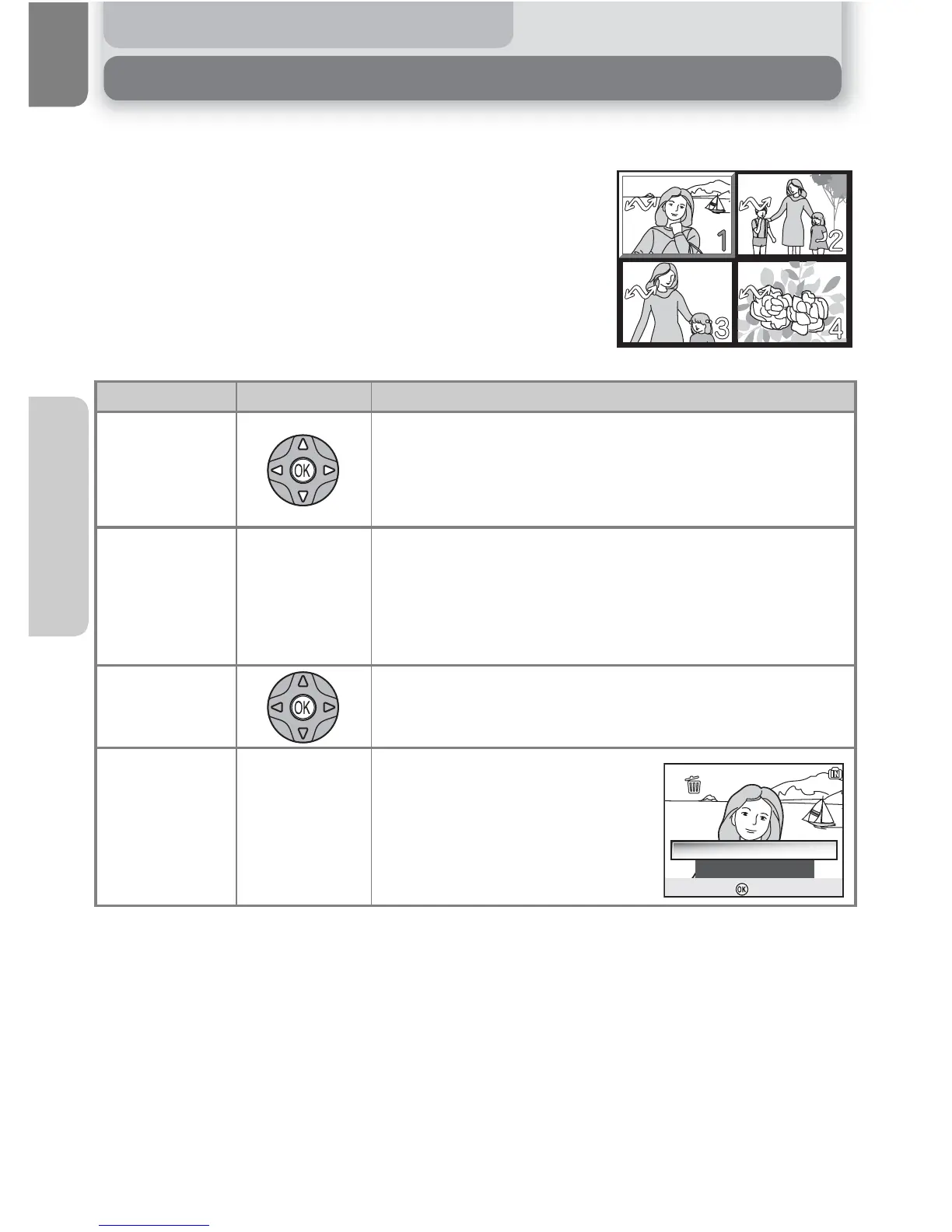
Viewing Multiple Pictures: Thumbnail Playback
Pressing the l (W) button in full-screen playback
displays the pictures in the memory or on the memory
card in "contact sheets" of four thumbnail images.
The following operations can be performed while
thumbnails are displayed:
To Press Description
Highlight
pictures
Press multi selector up, down, left or right to highlight
pictures. Press I (the center of the multi selector) to
return to full-screen playback.
Change
number of
pictures
displayed
l (W)/O (T)
With four thumbnails displayed, press l (W) button
once to view nine thumbnails. Press O (T) to "zoom in"
from nine thumbnails to four-thumbnail view, or, when
four thumbnails are displayed, to return to full-screen
playback.
Cancel
thumbnail
playback
Cancel thumbnail playback and return to full-screen
playback.
Delete
highlighted
picture
u
Confirmation dialog will be dis-
played. Press the multi selector
up or down to highlight option,
and press I to select.
No
Yes















 To Next Page