64
Movies
Viewing Movies
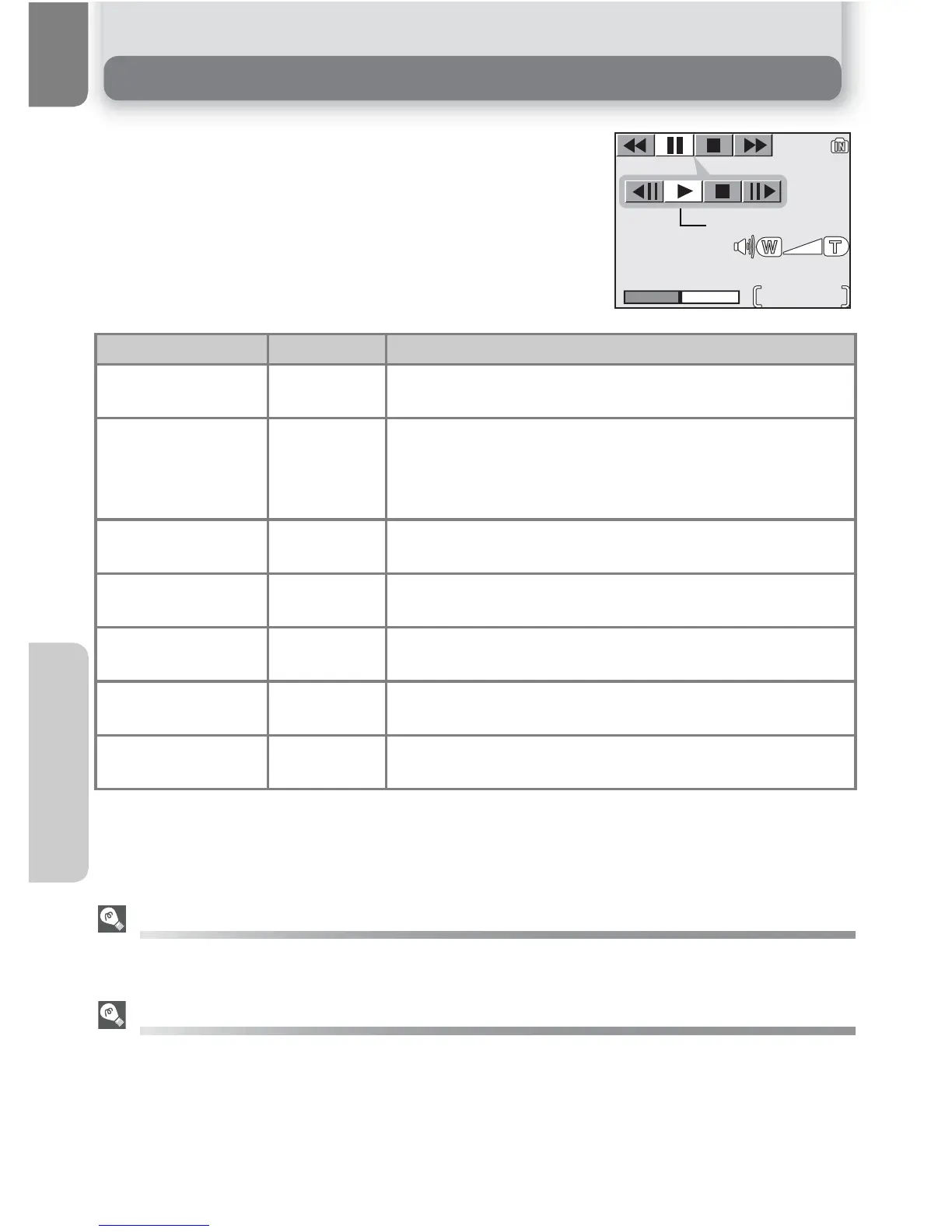
In full-screen playback mode (Q 22), movies can be
played with sound (E5600 only). Movies are indicated
by a W icon and can be viewed by pressing I (the
center of the multi selector). Playback controls are
displayed at the top of the monitor; press the multi
selector to left or right to highlight a control, then
press I to perform the selected operation.
Playback Volume (E5600 only)
The zoom buttons control volume during playback. Press l (W) to decrease volume, O (T)
to increase.
Deleting Movies
To delete a movie, press the u button. A confirmation dialog will be displayed; press the
multi selector up or down to highlight an option, then press the center of the multi selector.
• Yes: delete movie and return to full-screen playback
• No: exit to full-screen playback without deleting movie
To Press Description
Rewind (
While movie is in progress, use multi selector to select
( icon, then press and hold center of multi selector.
Fast forward *
Use multi selector to select * icon, then press and
hold center of multi selector. Playback ends at the last
frame; once playback has ended, the first frame of
movie will be displayed.
Pause playback )
Use multi selector to select ) icon, then press center
of multi selector to pause display.
Rewind movie
one frame
,
When movie is paused, use multi selector to select
,
icon, then press center of multi selector.
Advance movie
one frame
-
When movie is paused, use multi selector to select -
icon, then press center of multi selector.
Resume play-
back
y
When movie is paused, use multi selector to select y
icon, then press center of multi selector.
Stop playback =
Use multi selector to select = icon, then press center
of multi selector to return to full-screen playback.















 To Next Page