59
Printing Via Direct USB Connection
More on Playback
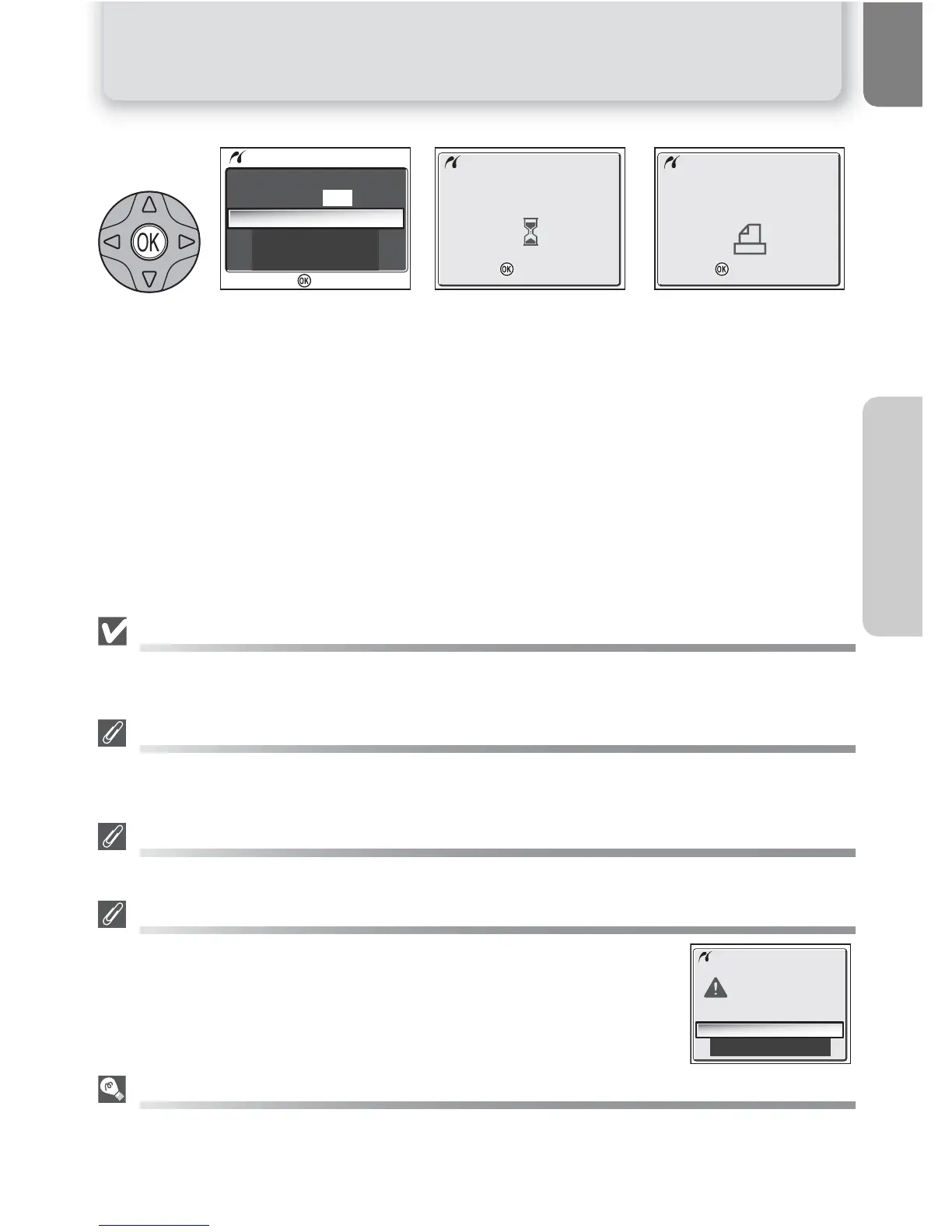
Display confirmation dialog. Press the multi selector up or down to highlight option, press
I (the center of the multi selector) to select.
• Select Start print to start printing. To interrupt printing, press I, then turn
camera off and disconnect USB cable.
• Select Cancel to exit without printing pictures.
Message shown above at right is displayed when printing is complete. Turn camera
off and disconnect USB cable.
Before Printing
Before printing via direct USB connection, make sure that the printer supports PictBridge or USB
Direct and check printer settings. See the printer manual for details.
Use a Reliable Power Source
When printing pictures via direct USB connection, be sure the battery is fully charged. If in doubt,
recharge the battery before printing or use the optional EH-62B AC adapter.
DPOF Printing
The DPOF printing option is only available if a print order has been created.
Error Messages
If an error message is displayed, an error has occurred. After checking the
printer and resolving any problems as directed in the printer manual, high-
light Resume and press I to resume printing. Select Cancel to exit with-
out printing the remaining images.
PictBridge
PictBridge is an industry standard for direct printing that ensures compatibility when different de-
vices are connected.
5















 To Next Page