36
e Scene Mode
More on Photography
The following scenes are available:
* Other modes can be selected.
The 2 (Camera Shake) Icon
When the 2 icon appears in the monitor, pictures may be blurred. In this section, the precautions
that you can take to avoid blur are indicated by stars:
hold camera in both hands and brace elbows against your body.
use a tripod or rest the camera on a flat, level surface.
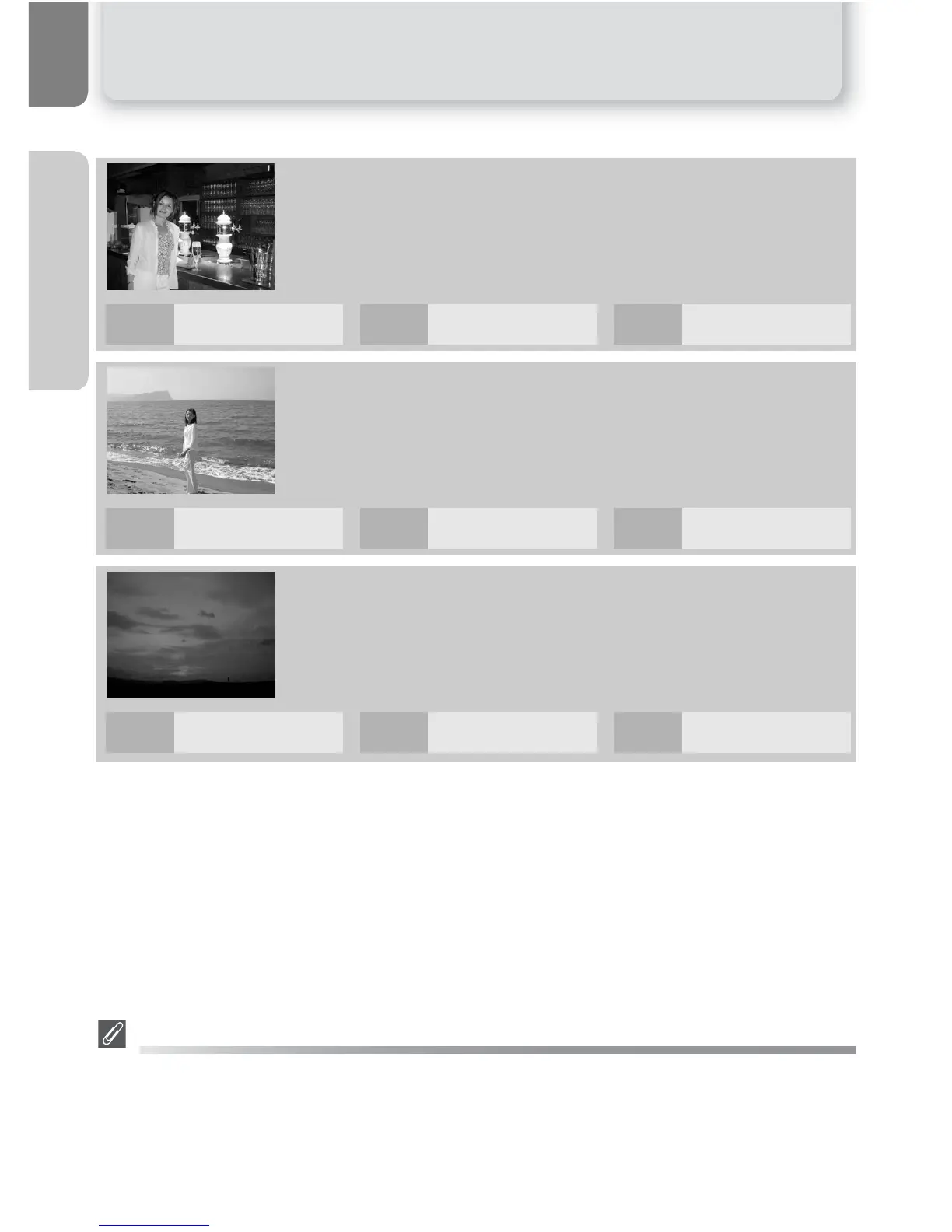
BPARTY/INDOOR
Use for shots that include details of the background, or to capture
the effects of candlelight and other indoor background lighting.
CBEACH/SNOW
Vividly captures the brightness of such subjects as snowfields,
beaches, or sunlit expanses of water. Flash mode automatically set
to !AUTO; other modes can be selected.
DSUNSET
Preserves the deep hues seen in sunsets and sunrises.
! %* Y OFF* & OFF
! !#* Y OFF* & OFF
! $* Y OFF* & OFF















 To Next Page