29
Nikon
Film Scanner LS-4500AF User's Manual
Step 3
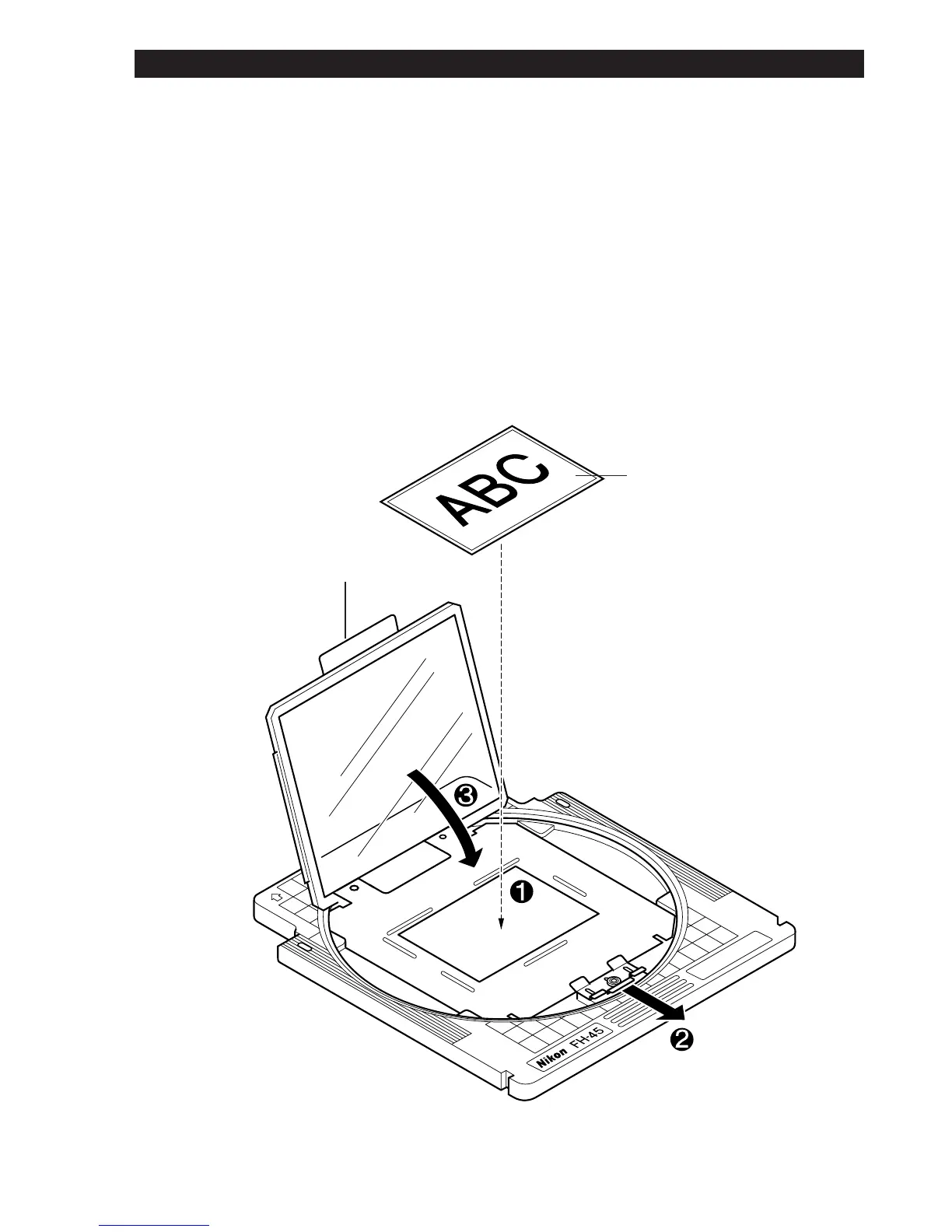
Place the film on the upper side of the mask, with the emulsion side
downward. Slightly raised bars are provided around the aperture in the
mask as a guide for the outer edges of the film. Refer to these to decide the
position of the screen.
Gently lower the frame holding the upper glass plate, taking care not to
move the film.
Fix the holding section of the frame firmly in place with the sliding spring
catch.
Film
Holding Section
6. Using the Film Holder













 To Next Page