30
Nikon
Film Scanner LS-4500AF User's Manual
Step 4
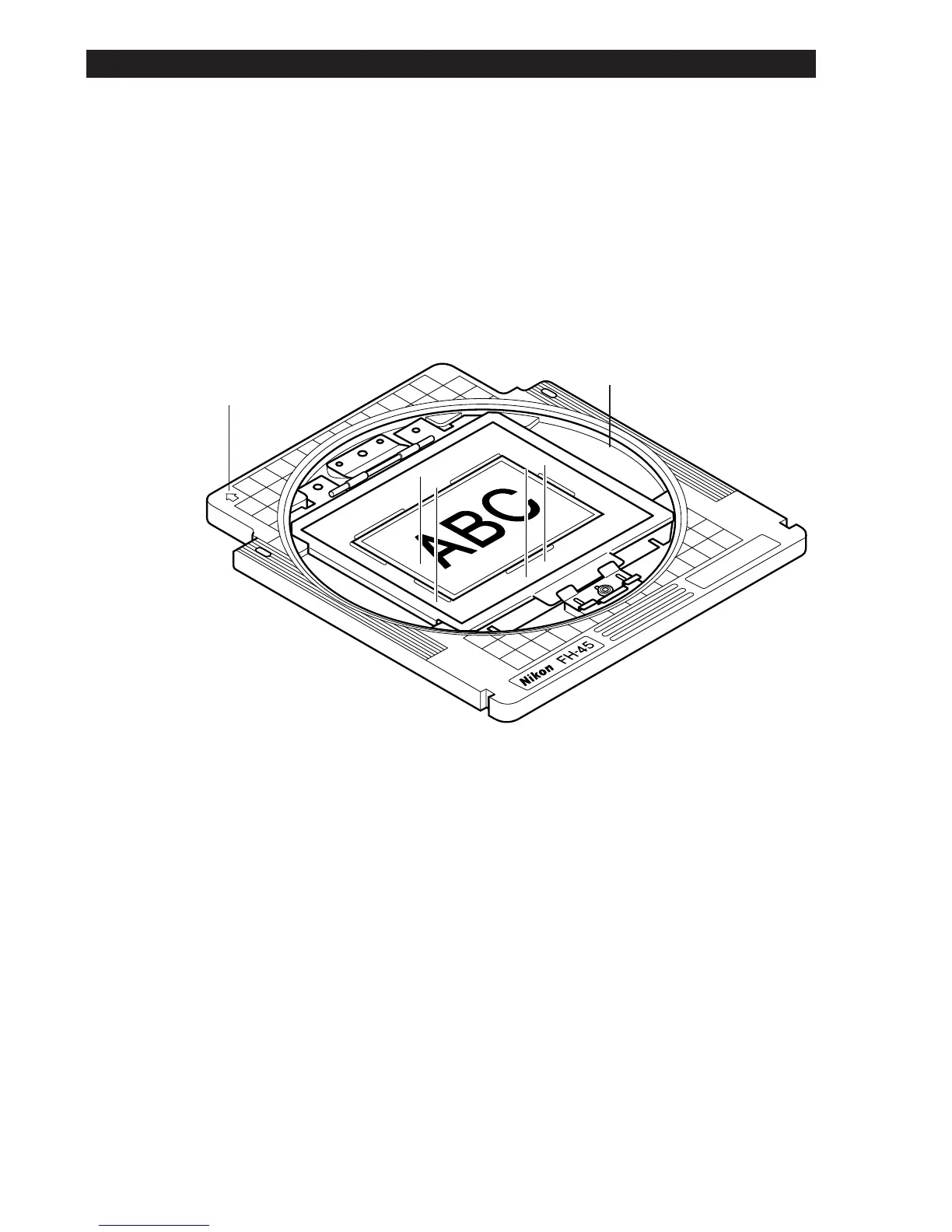
The arrow indicates the scanning direction. Set the image angle by rotating
the turntable.
For fine adjustment, refer to the angle index marked on the edge of the
turntable. The index may not match over the entire circumference.
Arrow
Turntable
Note: When rotating large-sized film, the length may exceed 5 inches, and
scanning of some part of the film may be impossible.
6. Using the Film Holder













 To Next Page