35
Nikon
Film Scanner LS-4500AF User's Manual
Step 2
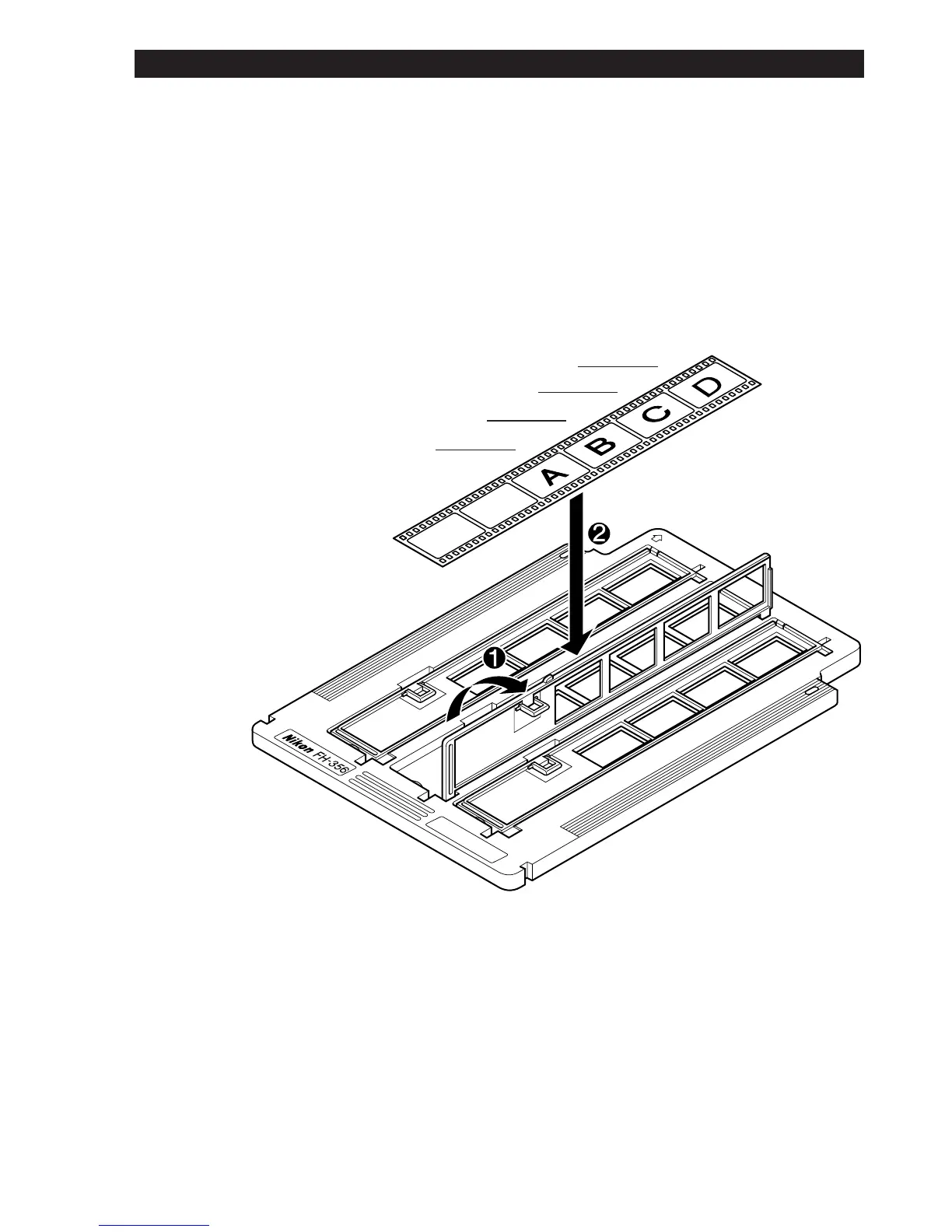
Set the film in the film compartment with the emulsion side downward.
The four frames aligned with the apertures can be scanned.
The third image will be read.
The second image will be read.
The first image will be read.
The fourth image will be read.
6. Using the Film Holder













 To Next Page