36
Nikon
Film Scanner LS-4500AF User's Manual
Step 3
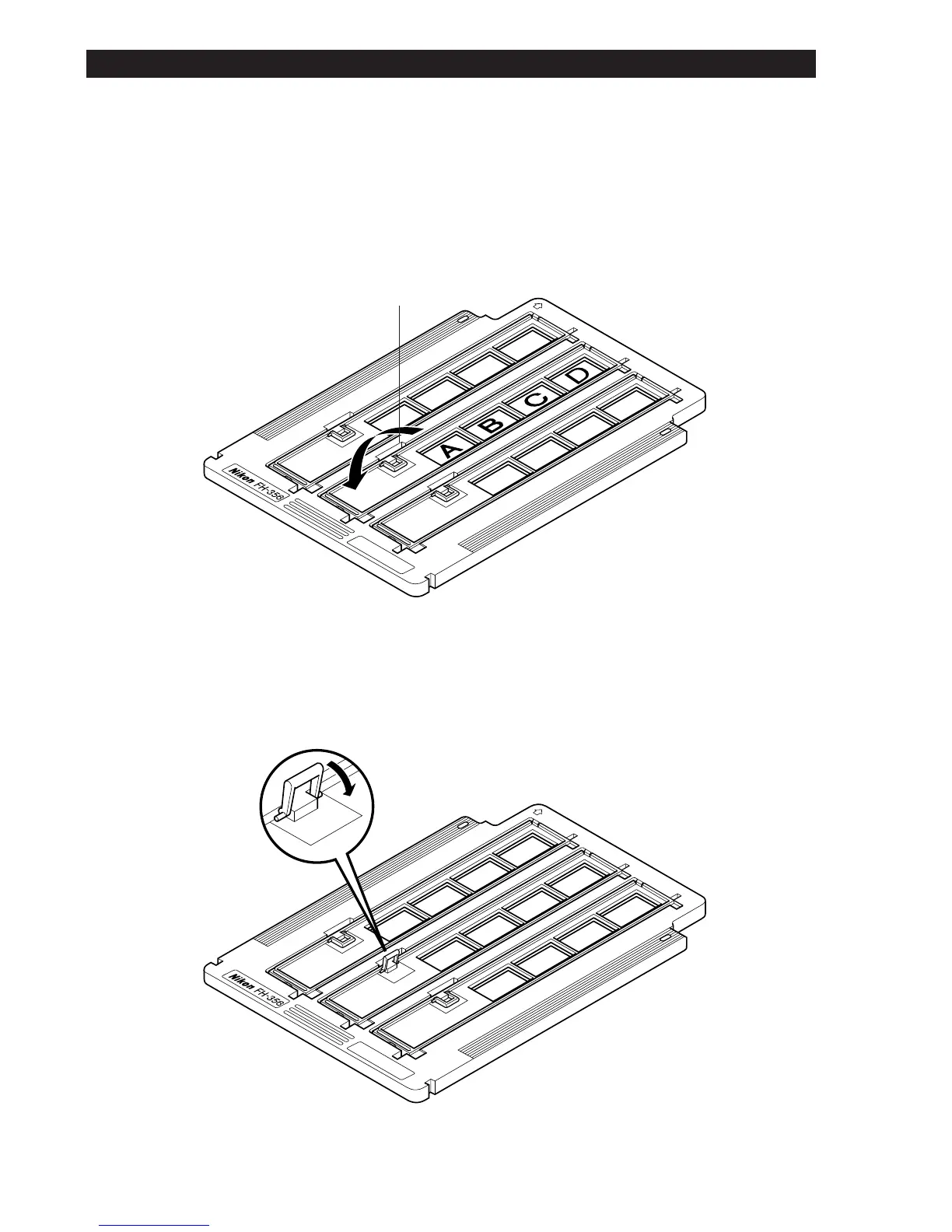
Carefully close the lid after positioning the images in the apertures at the
front of the film compartment. Press the cover closed against the spring
section of the frame and confirm that the catch is engaged. If the cover has
not been closed securely, proper scanning may not be performed.
Step 4
Press down the small folding handle on the cover. If the handle is not
folded down, it may not be possible to insert the holder in the unit.
Catch
Folding Handle
6. Using the Film Holder













 To Next Page