21Introduction
Scene/Effect Selection
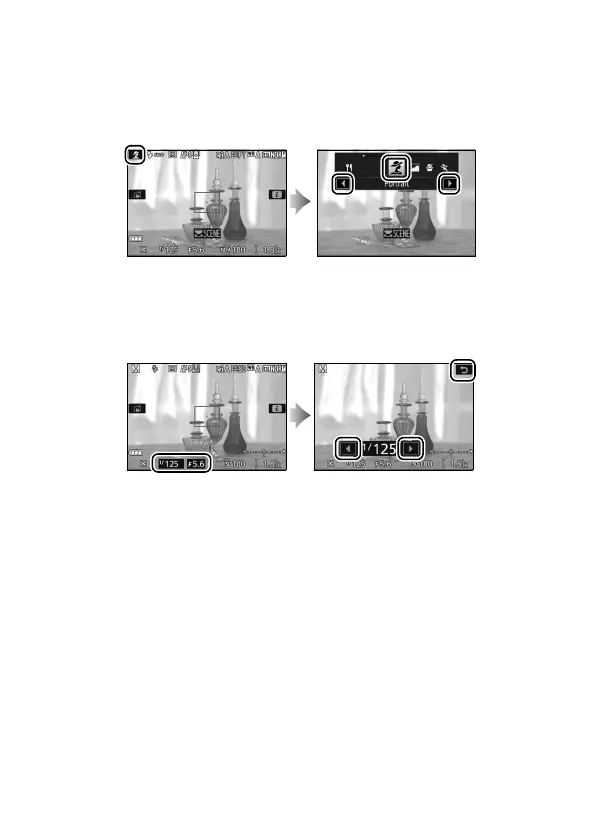
In scene and special effects modes (0 58, 65), you can tap the
shooting mode icon to choose a scene or effect.
Tap x or y to
view the different options and tap an icon to select and return to
the previous display.
Shutter Speed and Aperture
In modes S, A, and M, tapping the shutter speed or aperture
displays x and y controls, which you can tap to choose a new
value.
Tap 1 to exit when the operation is complete.











 To Next Page