22 Introduction
Shooting Options
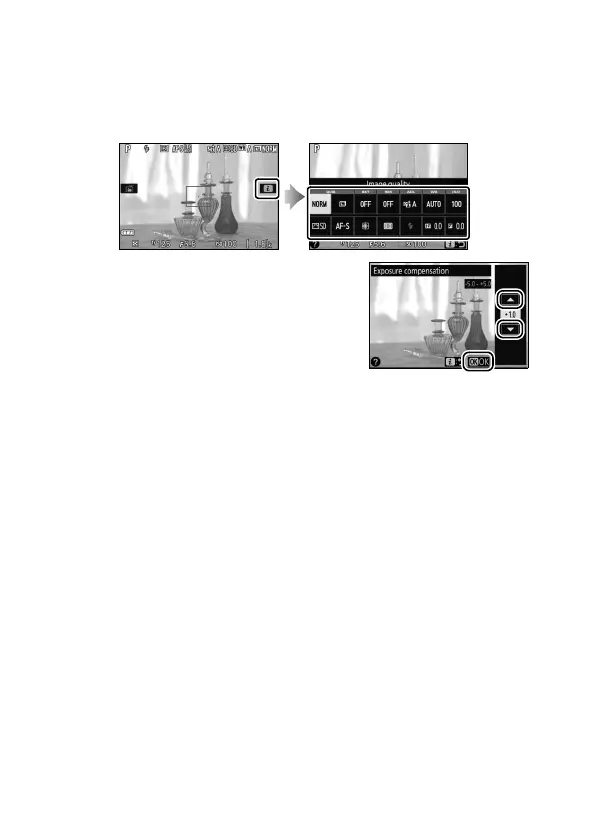
In live view, pressing the P button or tapping the z icon in the
monitor activates the information display (0 12, 166).
Tap a
setting to view options and then tap the desired option to select
it and return to live view.
If prompted to choose a value as shown
at right, edit the value by tapping u or v
and then tap the number or tap 0 to
select it and return to the previous
display.
To exit without changing settings, tap
2.











 To Next Page