6
18
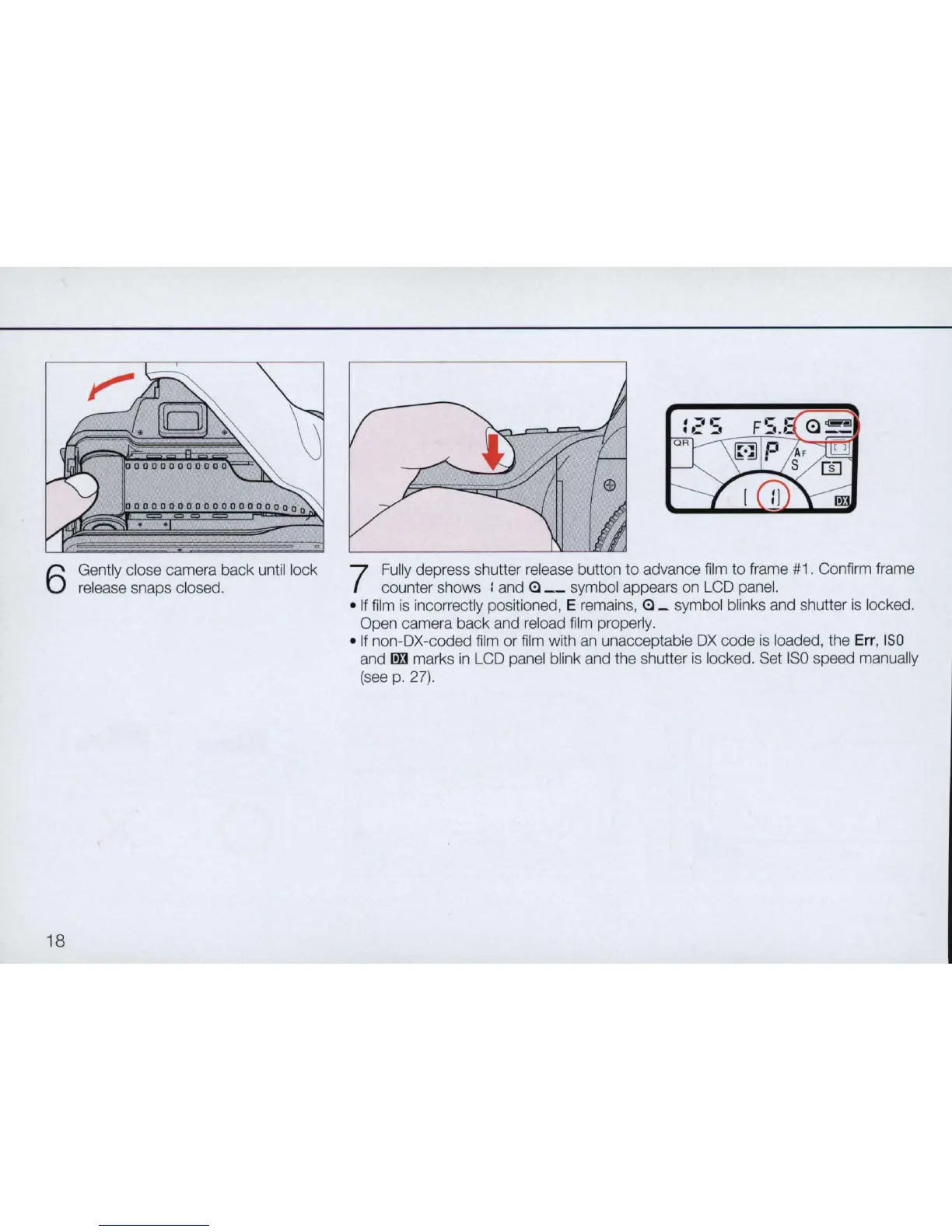
Gently close camera back until lock
release snaps closed.
7
Fully depress shutter release button
to
advance film to frame
#1
. Confirm frame
counter shows : and
(!) _ symbol appears on LCD panel.
•
If
film
is
incorrectly positioned, E remains, (!) _ symbol blinks and shutter is locked.
Open camera back and reload film properly.
• If non-OX-coded film
or
film with
an
unacceptab,e
OX
code is loaded, the
Err
,
ISO
and
ID3
marks
in
LCD panel blink and the shutter is locked. Set
ISO
speed manually
(see
p. 27).



 To Next Page