FLASH
SYNC
MODE
+
"!
,.,
!?
+
~
,.,
?
~ ~
@
~
~W
~
SLOW
~
REAR
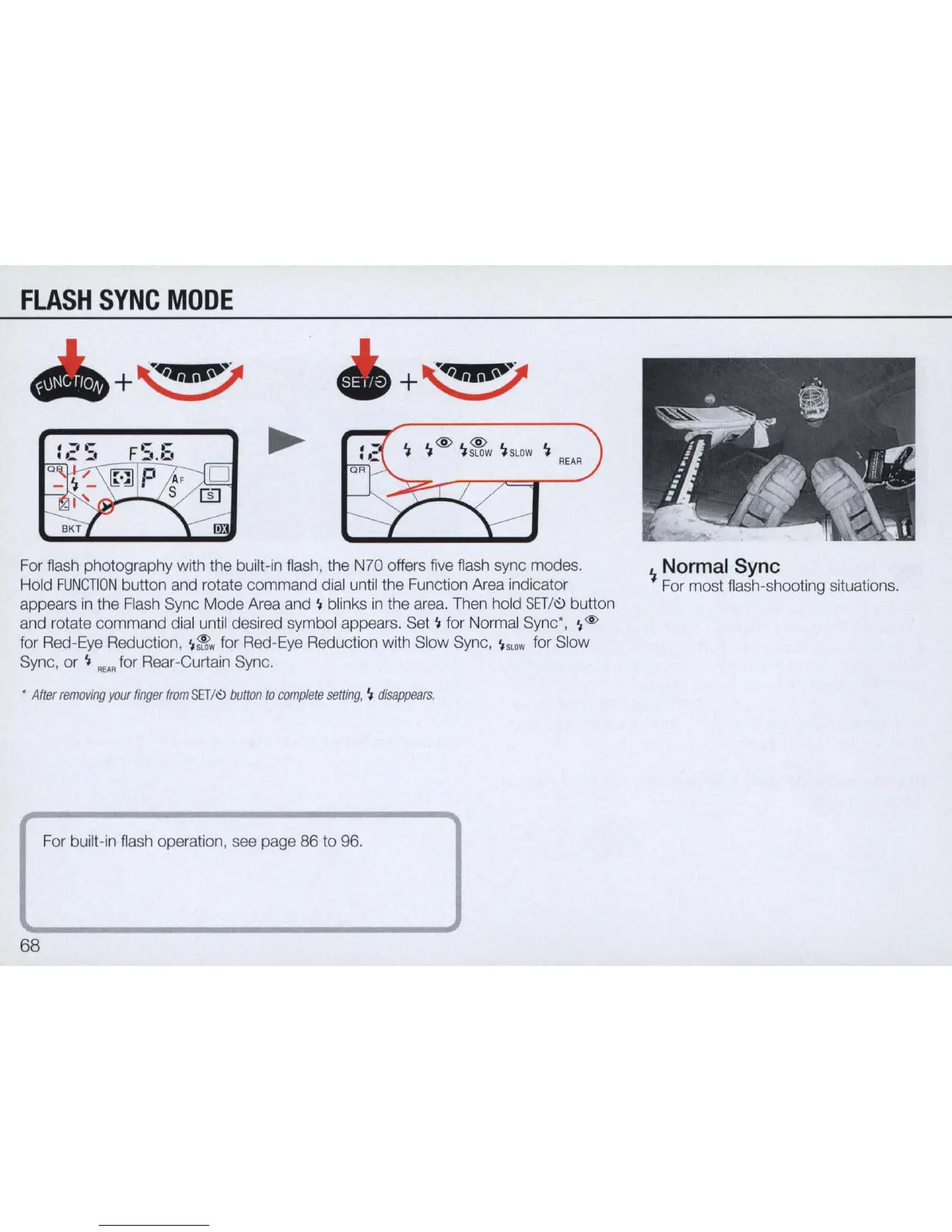
For flash photography with the built-in flash, the N70 offers five flash sync modes.
Hold
FUNCTION
button and rotate command dial until the Function Area indicator
appears
in
the Flash Sync Mode Area and
~
blinks
in
the area. Then hold
SET/I'!.>
button
and rotate command dial until desired symbol appears. Set
~
for Normal Sync',
~
@
for Red-
Eye
Reduction,
~
~w
for Red-Eye Reduction with Slow Sync,
~
SLOW
for Slow
Sync, or
~
REAR
for Rear-Curtain Sync .
•
After
removing
your
finger
from
SET
/0
button
to
com
plete
setting
,
'I
disappears
.
For built-
in
flash operation, see page 86 to 96.
68
~
-
".
@
~
.
"
: "
•.
:
.-
. '
'-"''
l
....
. ,
-
~
'*"
-- ' . .1 _
~
Normal Sync
For most flash-shooting situations.



 To Next Page