EasyManua.ls Logo

Nikon N70 AF - Page 35

Nikon N70 AF
128 pages
Print Icon
To Next Page IconTo Next Page
To Previous Page IconTo Previous Page
Loading...
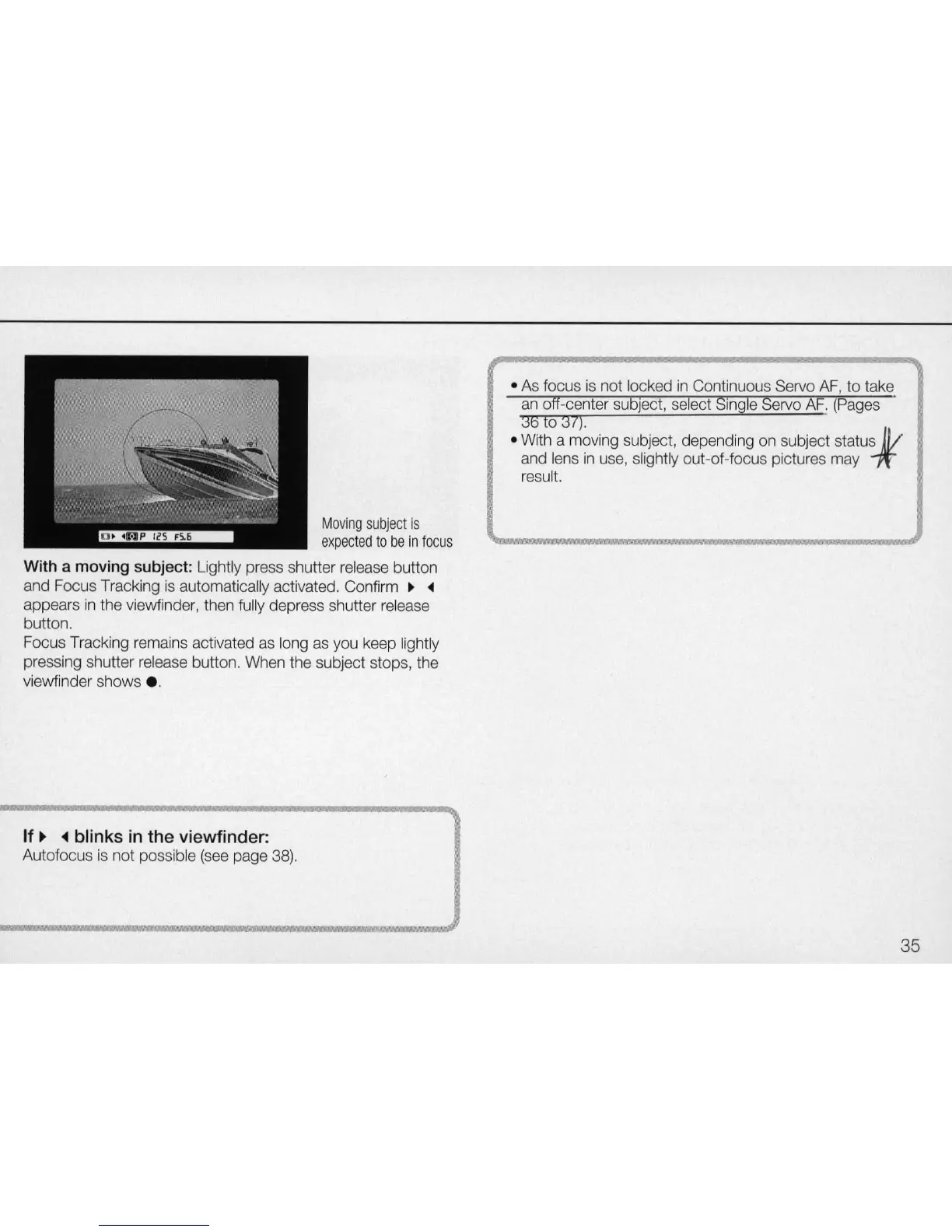
Moving
s
ubje
ct
is
expec
t
ed
to
be
in
fo
cus
With a moving subject:
Lightl
y
press
shutter
release
button
and
Focus
Tracking
is
automatically activated.
Confirm
~ ~
appears
in
th
e viewf
ind
er,
th
en
fully
depress shutter
release
button.
Focus
Tracking
remains
activat
ed
as
l
ong
as
yo
u
keep
lightly
pressing
shutter
release
button.
When
the
subject stops,
the
viewfinder shows .
If
~
blinks
in
the viewfinder:
Autofocus
is
not
possible
(see
page
38).
As
focus
is
not
locked
in
Continuous
Servo
AF
, to take
an
off-center
sub
j
ec
t,
select
S
ingl
e
Servo
AF.
(Pages
36
to
31).
With
a
moving
s
ubj
ect, depending
on
subject status
1//
and
lens
in
use,
s
li
ghtly out-of-focus pictures
may
1t
r
esu
lt.
35

Related product manuals