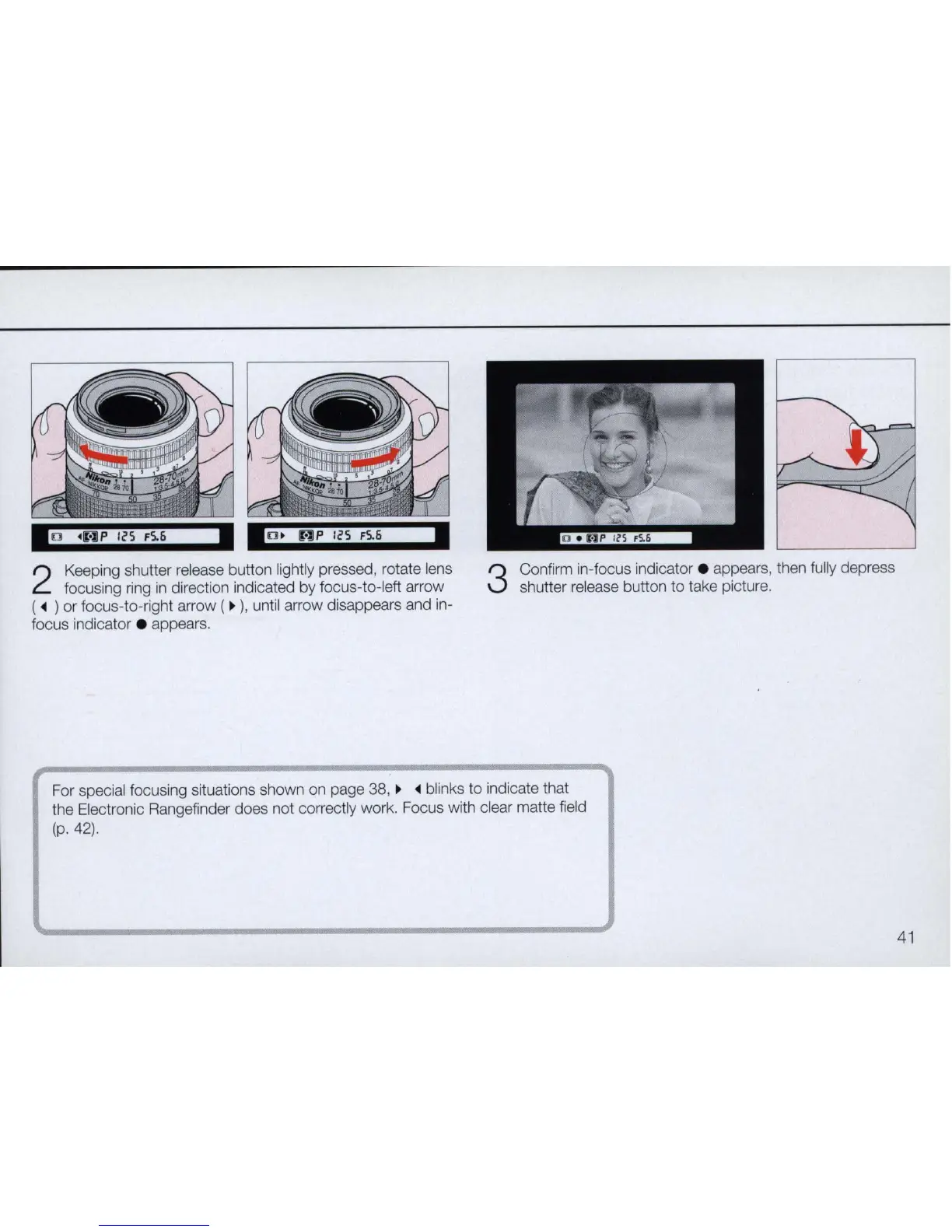
2
Keeping shutter release button lightly pressed, rotate lens
focusing ring
in
direction indicated by focus-to-Ieft arrow
(
~
) or focus-to-right arrow (
~
),
until arrow disappears and in-
focus indicator . appears.
3
Confirm in-focus indicator . appears, then fully depress
shutter release button to take picture.
For special focusing situations shown on page 38,
~ ~
blinks to indicate that
the Electronic Rangefinder does not correctly work. Focus with clear matte field
(p.42).
41



 To Next Page