3
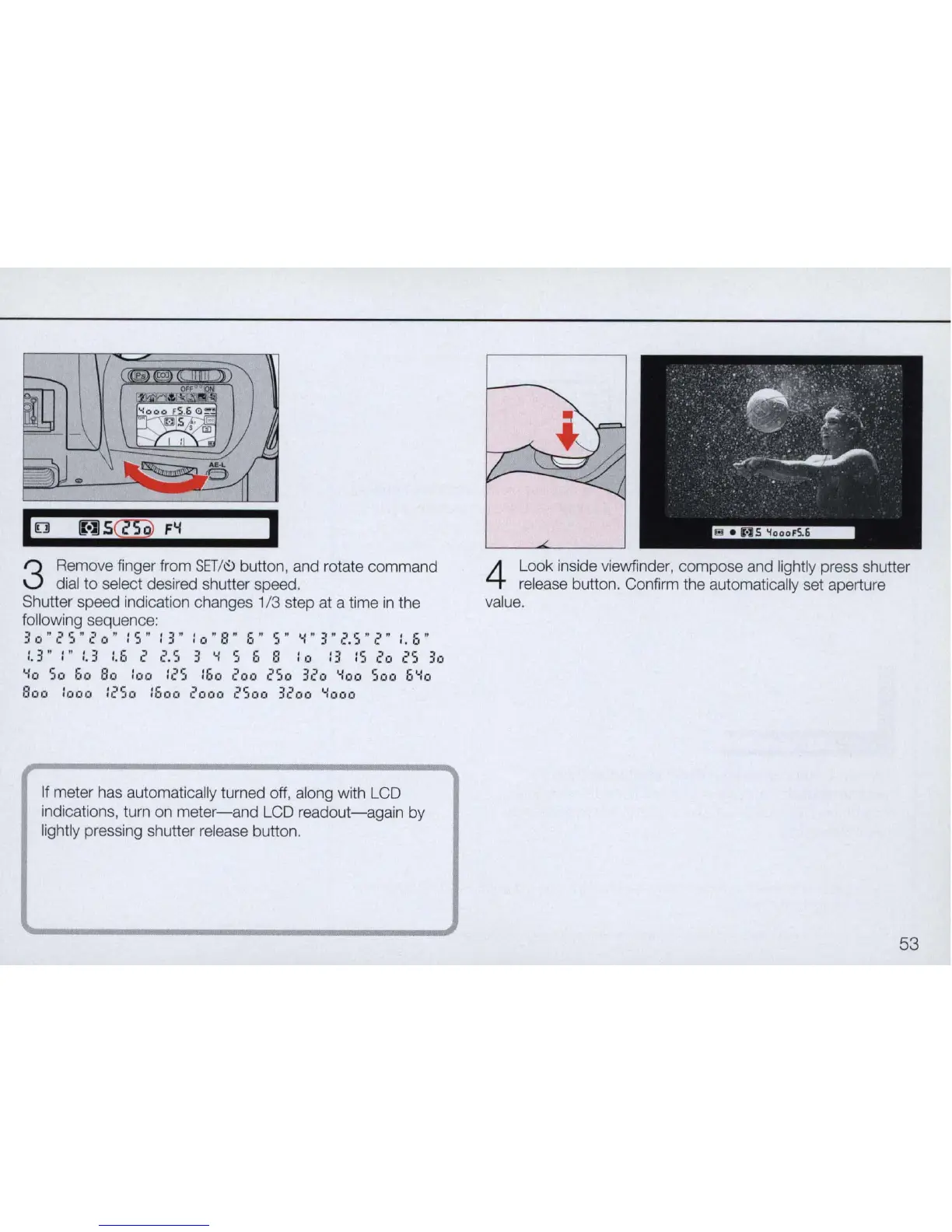
Remove finger from
SET
/
~
button, and rotate command
dial to select desired shutter speed.
Shutter speed indication changes 1/3 step at a time
in
the
following sequence:
30
tI
('
5 "
20"
: 5
It
: 3" : 0
It
8 "
::,
It
5"
"-I"
3 "
.?
5 "
2"
:. 6 "
:.
3"
:"
:.
3
:.
I)
2
('.5
3
...
: 5 6 8 : a : 3 : 5
('
0
('5
30
"10
So
00
Bo :00 :25 :00 200 250
320
"ioo
500
5'-:0
Boo
:000 :250 :500 2000 2500 3200
"1000
If
meter has automatically turned off, along with LCD
indications, turn on
meter-and
LCD
readout-again
by
lightly pressing shutter release button.
4
Look inside viewfinder, compose and lightly press shutter
release button. Confirm the automatically set aperture
value.
53



 To Next Page