4
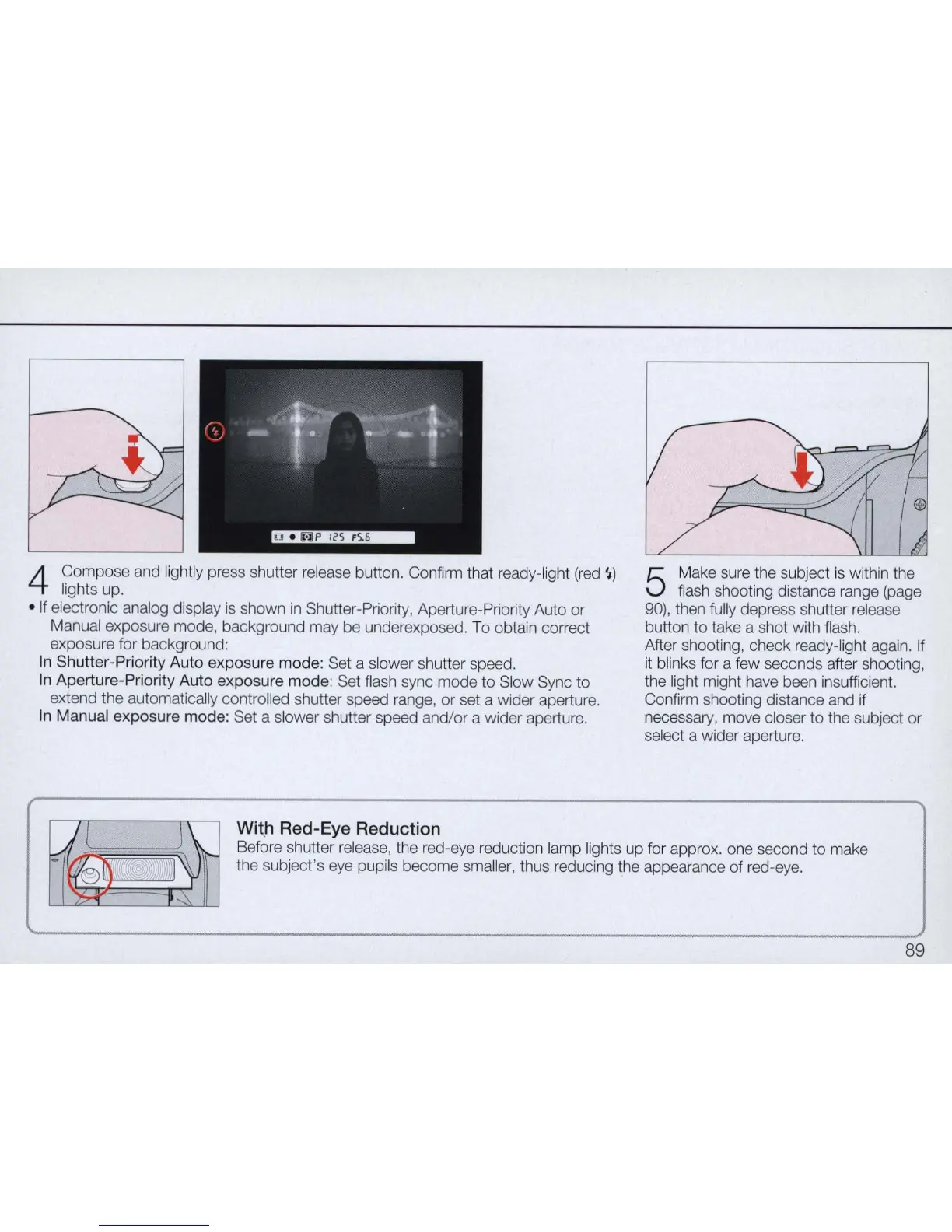
Compose and lightly press shutter release button. Confirm that ready-light
(red
'I
)
lights up.
•
If
electronic analog display
is
shown
in
Shutter-Priority, Aperture-Priority Auto or
Manual exposure mode, background may be underexposed. To obtain correct
exposure for background:
In
Shutter-Priority Auto exposure
mode
: Set a slower shutter speed.
In
Aperture-Priority Auto exposure
mode
: Set flash sync mode to Slow Sync to
extend the automatically controlled shutter speed range, or set a wider aperture.
In
Manual exposure mode: Set a slower shutter speed and/
or
a wider aperture.
W
it
.h Red-Eye Reduction
5
Make sure the subject
is
with
in
the
flash shooting distance range (page
90), then fully depress shutter release
button to take a shot with flash.
After shooting, check ready-light again.
If
it
blinks for a few seconds after shooting,
the light might have been insufficient.
Confirm shooting distance and if
necessary, move closer to the subject or
select a wider aperture.
Before shutter release, the red-eye reduction lamp
li
ghts up for approx. one second to make
the subject's eye pupils become sma
ll
er,
thus reducing the appearance of red-eye.
89



 To Next Page