[Digitare qui]
PHOTO SETTINGS
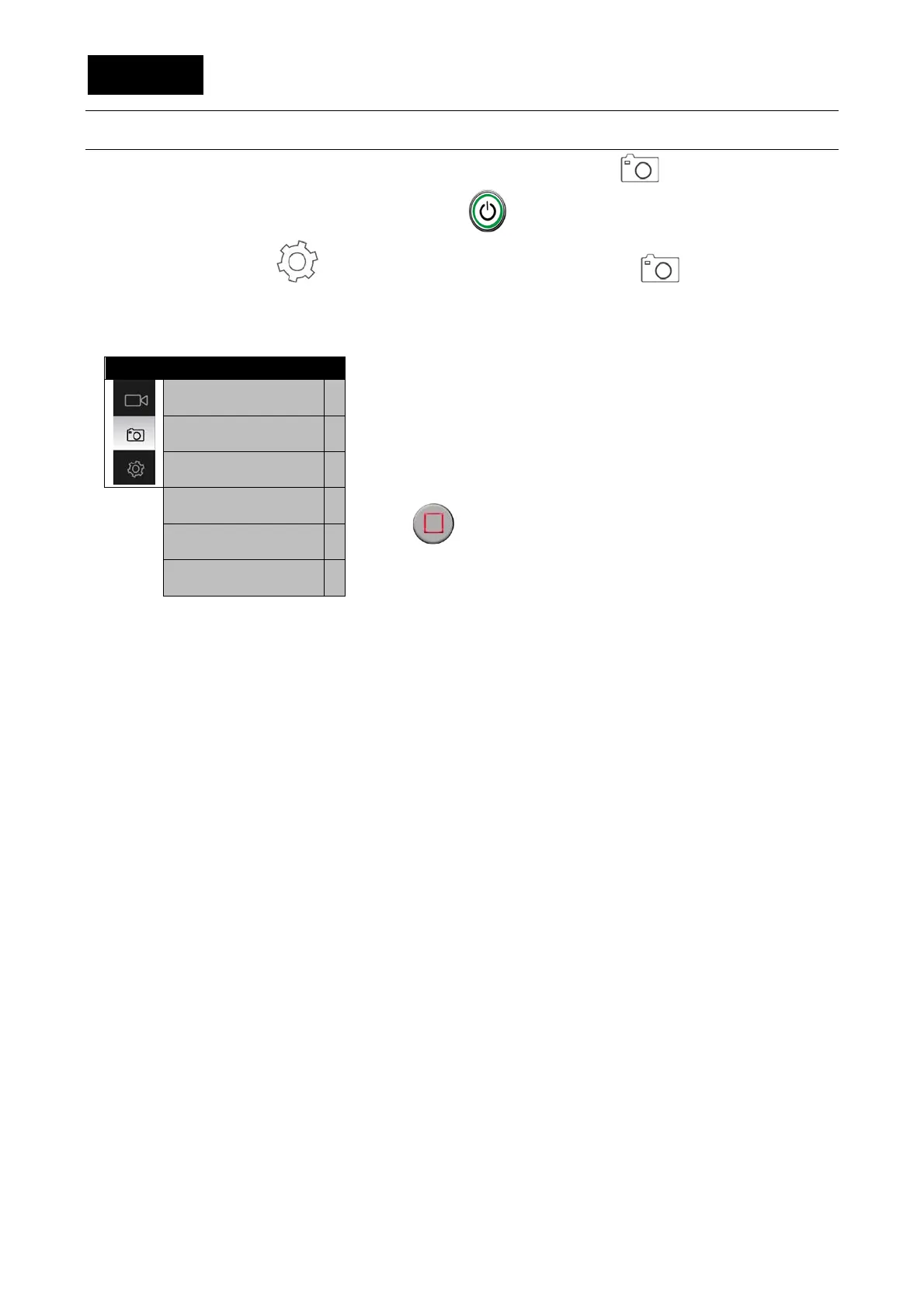
The EVO 4K30 must be in photo mode to set photo settings; an icon appears at the top left,
if this is not the case, touch the video shutter key on the front
Open the settings menu from the main menu and activate the icon
At this point, it is possible to vary general and video settings.
General settings are always variable in every function mode of the camera.
-Tap shutter: If it is activated, the user just has to touch the
display to take a picture (this function is currently
unavailable).
-Burst: It sets the number of shots per seconds:
• 3/6/8 shots.
-Continuous shooting: Time-lapse with images; it sets the
time between sequential shots. For interrupting, press the
key .
• 1/03/05/10/20 sec.
-Self timer: It allows to set the delay while shooting a
picture.
• 3/5/10 sec
-Image definition:
• 16MP (4608x3456 4:3),12MP (4000x3000 4:3), 8MP
(3200x2400 4:3).
-Show time: It allows to print the date and the time on
videos and photos:
• On/Off.
Tap shutter
>
Burst
>
Continuous shooting
>
Timing shoot
>
Image definition
>
Show time
>


 To Next Page