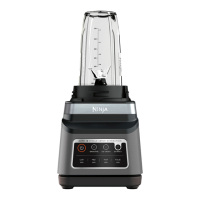
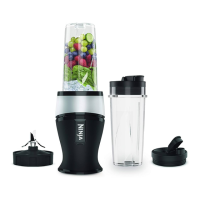
2
NOTE: Press the dial to START or STOP any program. Turn to select.
AUTOMATICALLY ADJUSTS
SPEED & TIME
FOR PERFECTLY SMOOTH RESULTS
THE BLENDER THAT
how it works
Identifies fresh or frozen ingredients and recipe size.
Automatically adjusts time, speed, and power for
perfect results.
USING
THE
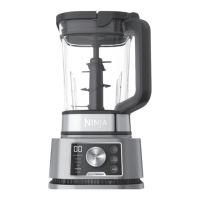
Control Panel
TECHNOLOGY
Blend Sense
add liquid alert *
Alerts you when liquid is needed during blending to
completely process your recipe, so you get a perfectly
smooth drink every time. When “ADD LIQUID ”
displays on the dial, press START/STOP and remove
the cup from the base. Add 120-240ml of additional
liquid. Reinstall the cup, then press START/STOP to
run the BlendSense program again.
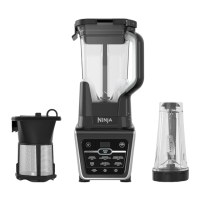
*Only available when using the Single-Serve Cup.
POWER
Press to power the unit on and o.
MANUAL
Adjustable speed for total blending control.
BLENDSENSE
Intelligent one-touch program senses
your ingredients and blends to perfection.
MODE (Jug and
Processor Bowl only)
Preset processing programs (Disc, Mince,
Small Chop, and Large Chop) that chop,
mince, slice, and shred.
PULSE
Operates only when PULSE is pressed.
Use short presses for short pulses and long
presses for long pulses.
PERFECTLY SMOOTH MIXED, SLICED & SHREDDEDCHOPPED & PROCESSEDPERFECTLY THICK
COLESLAWPIZZA DOUGHPESTOSALSAEXTRACTIONS SMOOTHIES NUT BUTTERSSMOOTHIE BOWLS
ENGLISH



 To Next Page
 Loading...