16
Troubleshooting
2928
TOUCH SCREEN
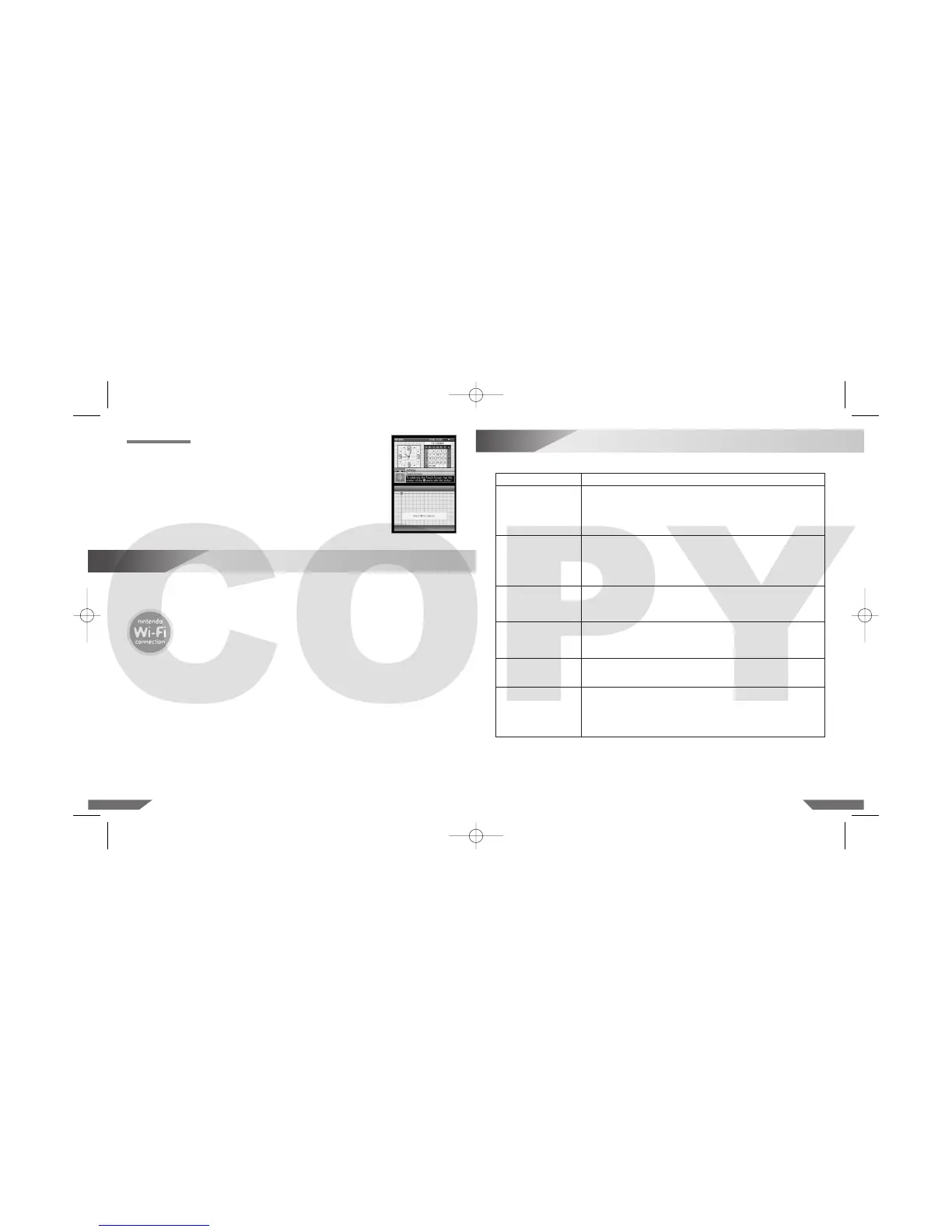
Select this option to realign the Nintendo DS Lite Stylus with the Touch Screen.
Follow the on-screen instructions and carefully touch the indicated marks on
the Touch Screen. (Illustration 32)
Illustration 32
The Nintendo Wi-Fi Connection (Nintendo WFC) allows you to play games over the internet, either
at home or at an internet hotspot, using a Nintendo DS system and a Nintendo WFC compatible
Nintendo DS game.
Always look for this icon on the packaging of Nintendo DS Game Cards
designed to use the Nintendo WFC feature.
15
Nintendo Wi-Fi Connection
To play games over the internet at home, you will need:
• An active broadband internet account.
AND
• A wireless access point, such as a wireless router or the Nintendo Wi-Fi USB Connector.
Please see the separate Nintendo Wi-Fi Connection Instruction Booklet included with all Nintendo WFC
compatible games for more information on playing Nintendo DS games over the internet, and visit
www.nintendowifi.com
Before seeking assistance, check the following information.
Problem
The screen stays blank
even though the power
is on.
Image appears but there is
no sound.
Image appears but system
is locked up.
Battery life seems short
and charging takes a long
time.
Game Boy Game Pak
does not fit into the
Nintendo DS Lite.
Wireless game play
or communication does
not work.
Solution
• Make sure the Battery Pak is charged.The Power Indicator LED should light red
or green depending on how much charge is in the battery.
• Turn the power off. Wait a few moments, then turn the power on.
• Turn the power off. Remove game and reinsert it, then turn the power on.
• If you are using the Power Supply, make sure it is securely connected to both
the Nintendo DS Lite and the wall socket.
• Try adjusting the volume control.
• If headphones are attached to the Nintendo DS Lite, sound will not come
through the speakers.
• If you are using headphones, make sure they are securely plugged into
the audio jack.
• Some games may have no sound during parts of the game.
• Make sure the game is inserted completely into the appropriate slot.
• Turn the power off. Remove game and reinsert it, then turn the power on.
• Make sure the game edge connector and game slots are clean and free
of foreign material.
• Make sure the surrounding temperature is above 10 degrees Celsius.
Low temperatures will adversely affect battery performance.
• Battery life may also decrease over time. After 500 recharges, battery life may
be only 70 % of the battery life at the time of purchase.
• Make sure you are using a Game Boy Advance Game Pak (AGB-002).
SLOT-2 on the Nintendo DS Lite will only work with Nintendo DS accessories
and Game Boy Advance Game Paks.
• Make sure the game supports wireless game play.
• For Multi-Card Play, each Nintendo DS system must have a Game Card inserted.
• Make sure all Nintendo DS systems are within 10 metres (30 feet) or less of
each other to begin with. The signal strength should be at least two bars.
• Review the instruction booklet for the game you are playing for correct setup
instructions.












 To Next Page