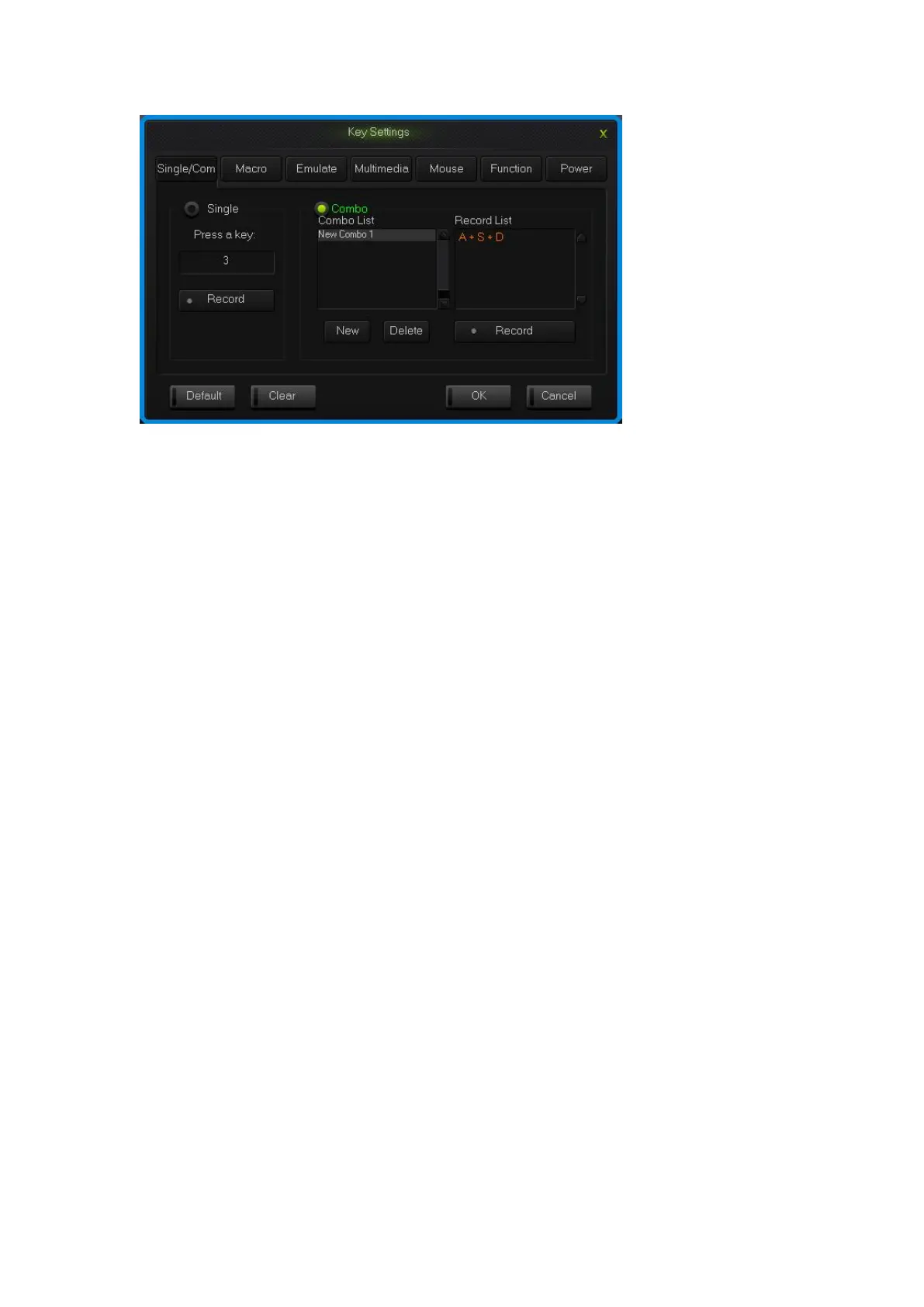
Single/Combo keys surface
2.2 Macro definition
The keyboard can be defined in the overall definition under a custom mode shows a
strong programmable feature.
What is Macro
Macro is the whole series actions that you can specify order to the keyboard.
Accurately speaking, it’s a series key press and key release, record every single time
of the key’s press, release and delay. Among which, it can automatic input when delay,
that is all the time between press and release can automatic input.
How to define a macro?
1. Choose the key you need to configure, click “macro ”;
2. Choose “New” on the left side of the appear window;
3. Choose a new macro, selected the style of output and automatic delay in the
macro edit on the right side, then click “Record”, type the keys that need to be
define on the keyboard and click “Stop Rec”;
4. Single click “OK”.
How to set up delay
Delay is the time between the press and the release of keys.keyboard has the
automatic delay record and can modify delay time:
Set up automatic delay record: drive automatic records the time that typing actions
need;
Modify delay time(50ms-60000ms, 1000ms=1s): after define a macro, single click
the delay time two keys already have, then the delay time will become to be editable


 To Next Page