ACCESS GATEWAY
System Administration 169
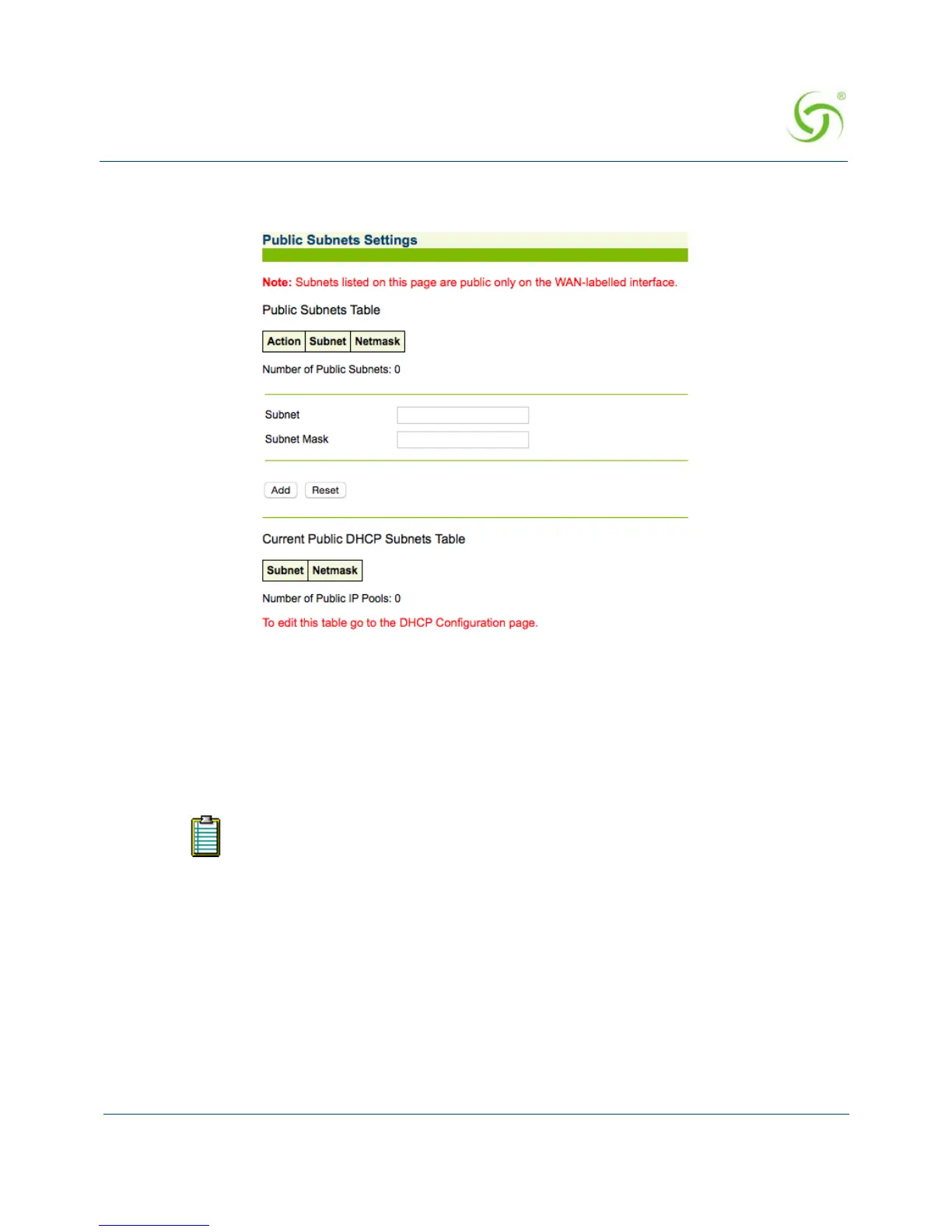
1. From the Web Management Interface, click on Configuration, then Subnets. The Public
Subnets Settings screen appears:
To add a Subnet
2. Enter a valid IP address for this subnet in the Subnet field.
3. Enter the subnet mask for this subnet in the Subnet Mask field.
4. Click on the Add button to add a new public subnet.
Displaying Your Configuration Settings {Summary}
You can display a summary listing of all your current Configuration settings.
To view the summary listing, go to the Web Management Interface, click on
Configuration,
then click on
Summary.
To edit the “Current Public DHCP Subnets” table, go to “Managing the DHCP
service options {DHCP}” on page 109.
For additional information about the multiple subnet feature, go to “Contact
Information” on page 349 for Nomadix Technical Support.



 To Next Page