ACCESS GATEWAY
210 System Administration
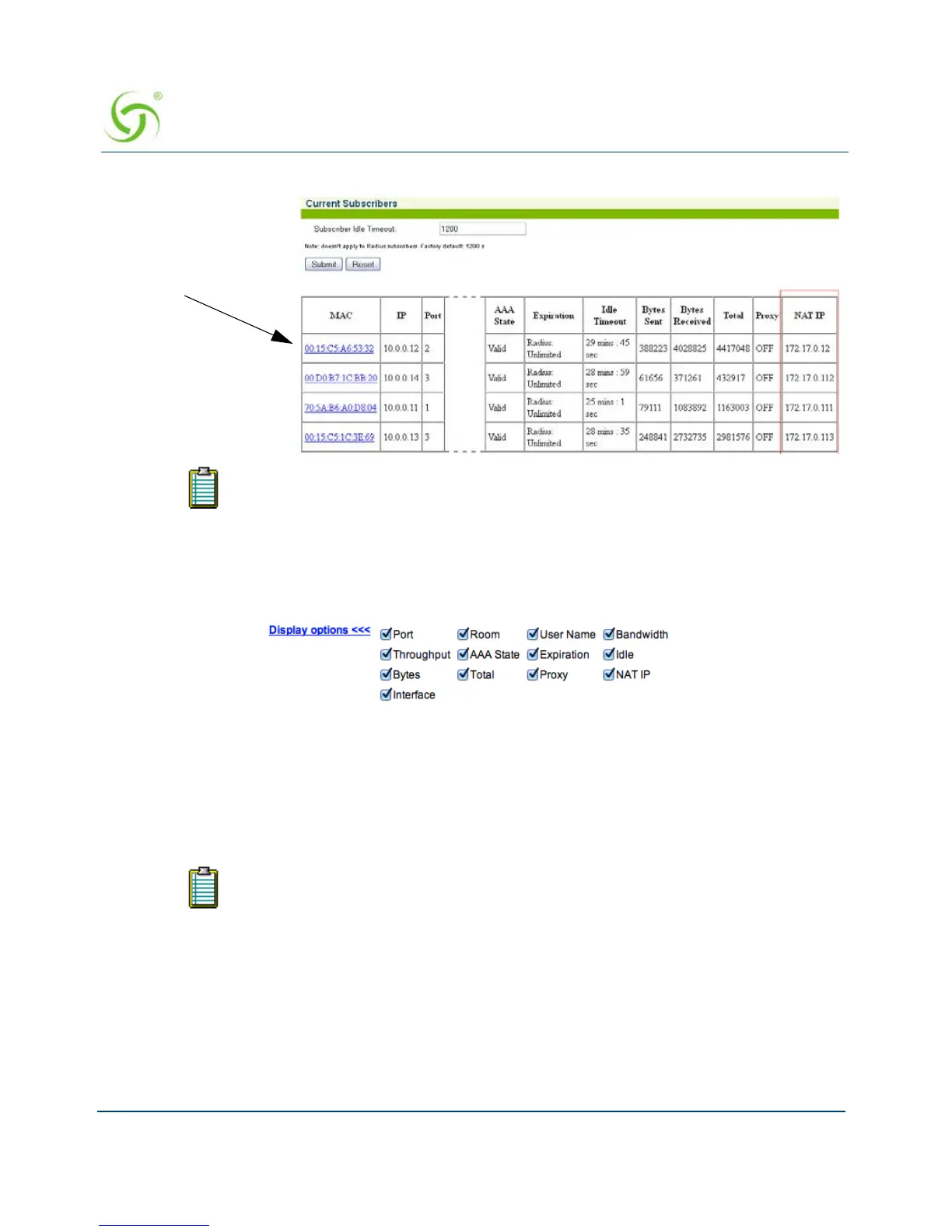
To view individual subscribers, click on the linked MAC address.
ou can select specific fields to display, and can sort the Current Subscribers table on any field.
Click any table header to sort on that field.
Deleting Subscriber Profiles by MAC Address {Delete by MAC}
This procedure shows you how to delete a subscriber profile from the Access Gateway’s
database of authorized subscribers, based on the profile’s MAC address.
In the State field, “Valid” denotes that the subscriber has been authenticated.
“Pending” indicates that the subscriber is still waiting for authentication.
To see a current listing of the subscriber database, sorted by MAC addresses, go
to “Listing Subscriber Profiles {List Profiles}” on page 214.



 To Next Page