NOOK HD+ User Guide 19
Gestures
Your NOOK recognises these dierent gestures:
• Tap
• Double tap
• Press and hold
• Swipe
• Scroll
• Drag
• Pinch and Zoom
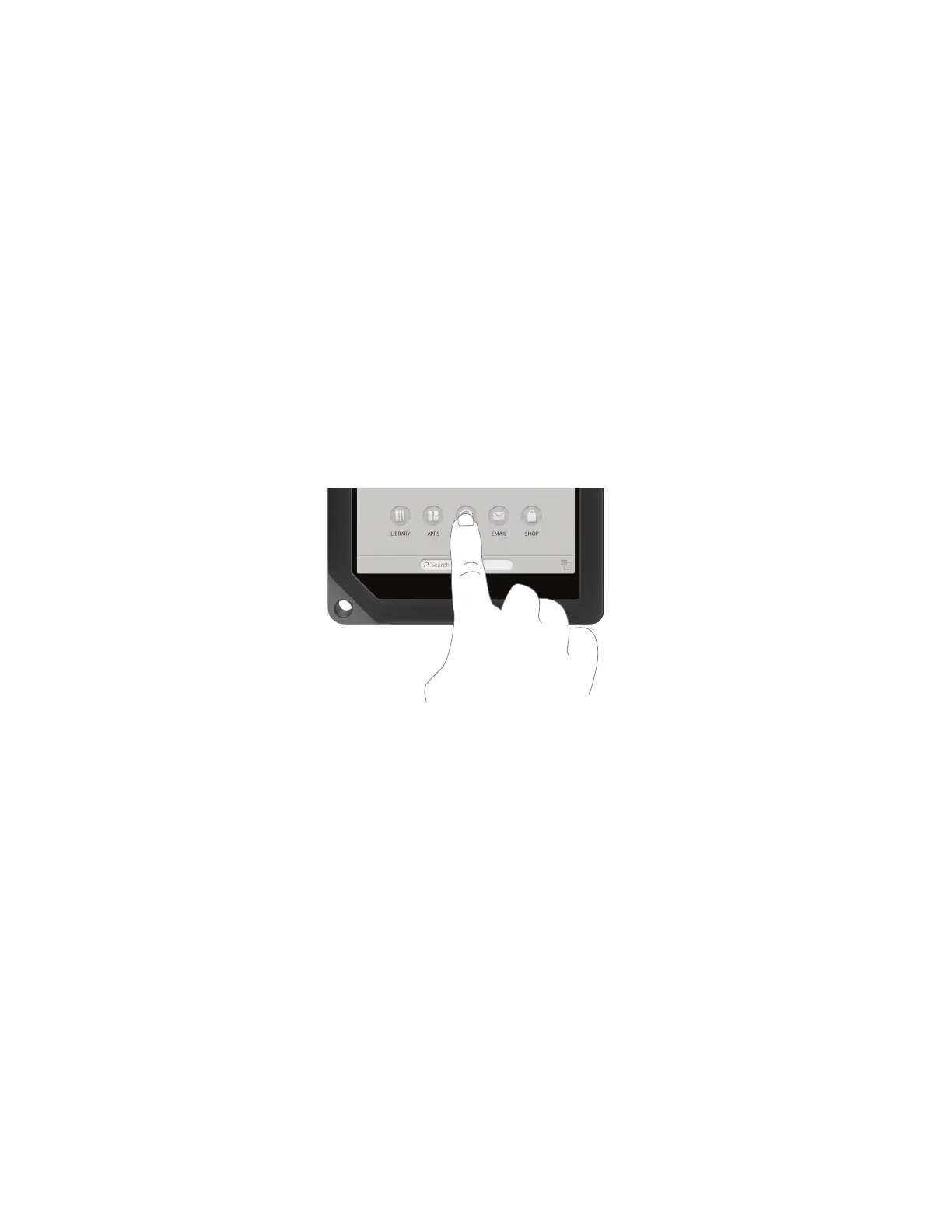
Tap
A tap on the screen is a quick touch of your fingertip. It’s the same gesture you use when you tap a key on a com-
puter keyboard.
Tapping on a button.
Double Tap
Some features require a double tap: two taps in quick succession. For example, by double-tapping on an item in the
NOOK Shop, you can open a window displaying information about the item.
Press and Hold
Pressing and holding means touching your finger to the screen and holding it there for 2 seconds.
In many situations, pressing and holding causes your NOOK to open a pop-up menu. The pop-up menu—sometimes
called a contextual menu—oers you choices about the image your finger is resting on.
For example, if you press and hold on a book cover, your NOOK opens a menu oering you choices of things you
can do with that book: open the book, recommend it, lend it, and so on.



 To Next Page