NOOK HD+ User Guide 21
Drag
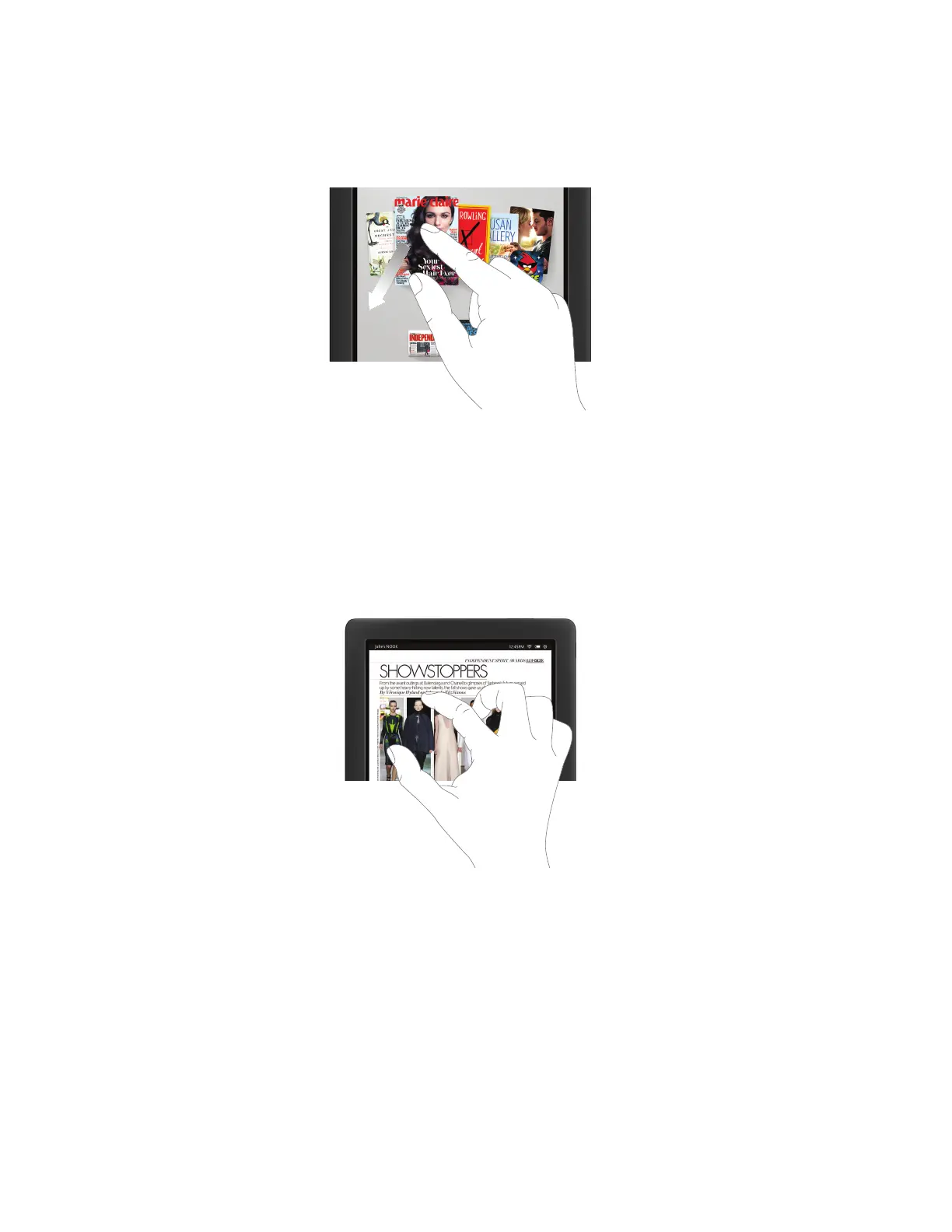
To drag is to touch an object and pull it to another location, while keeping your fingertip touching the screen. Once
you have moved the object to where you want it to be, lift your finger, leaving the object in its new location.
Dragging an item on the screen.
Pinch and Zoom
You can use two fingers to shrink or enlarge an image.
• Pinch your fingers together to shrink an image and zoom out.
• Pull your fingers apart to enlarge an image and zoom in. (Pulling your fingers apart this way is sometimes called
“pinching out.”)
Pinching and zooming.



 To Next Page