20 NOOK HD+ User Guide
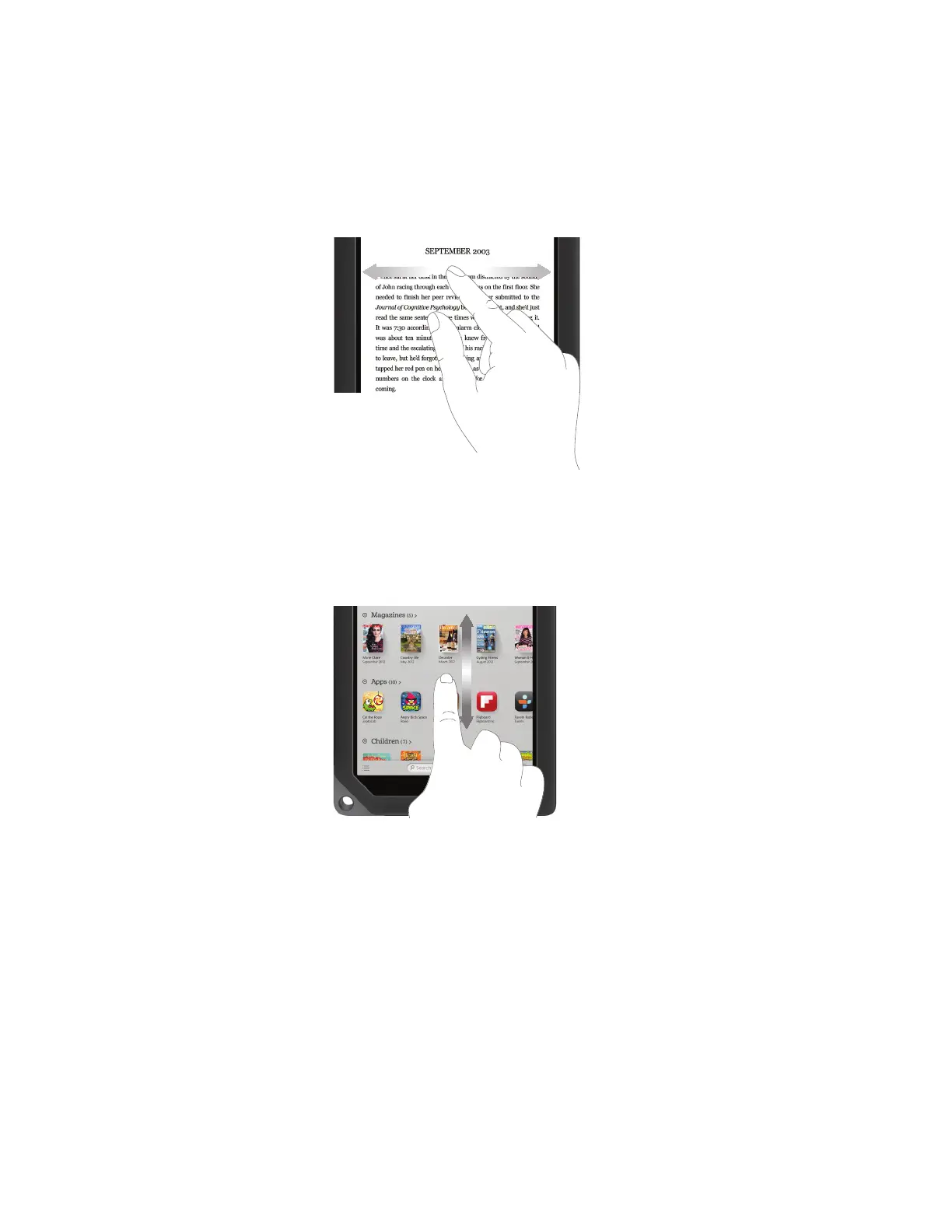
Swipe
To swipe is to slide your finger across the screen as though you were brushing away a crumb. You can swipe left, flick-
ing your finger to the left. Or you can swipe right, flicking your finger to the right.
You’ll typically swipe to scroll through a long list or collection things, such as the row of books and other items on the
Active Shelf.
Swiping left or right.
Scroll
Slide your finger up or down the screen to scroll through any list displaying a scrollbar. A scroll gesture is like a vertical
swipe.
Scrolling up or down.



 To Next Page