NOOK HD+ User Guide 49
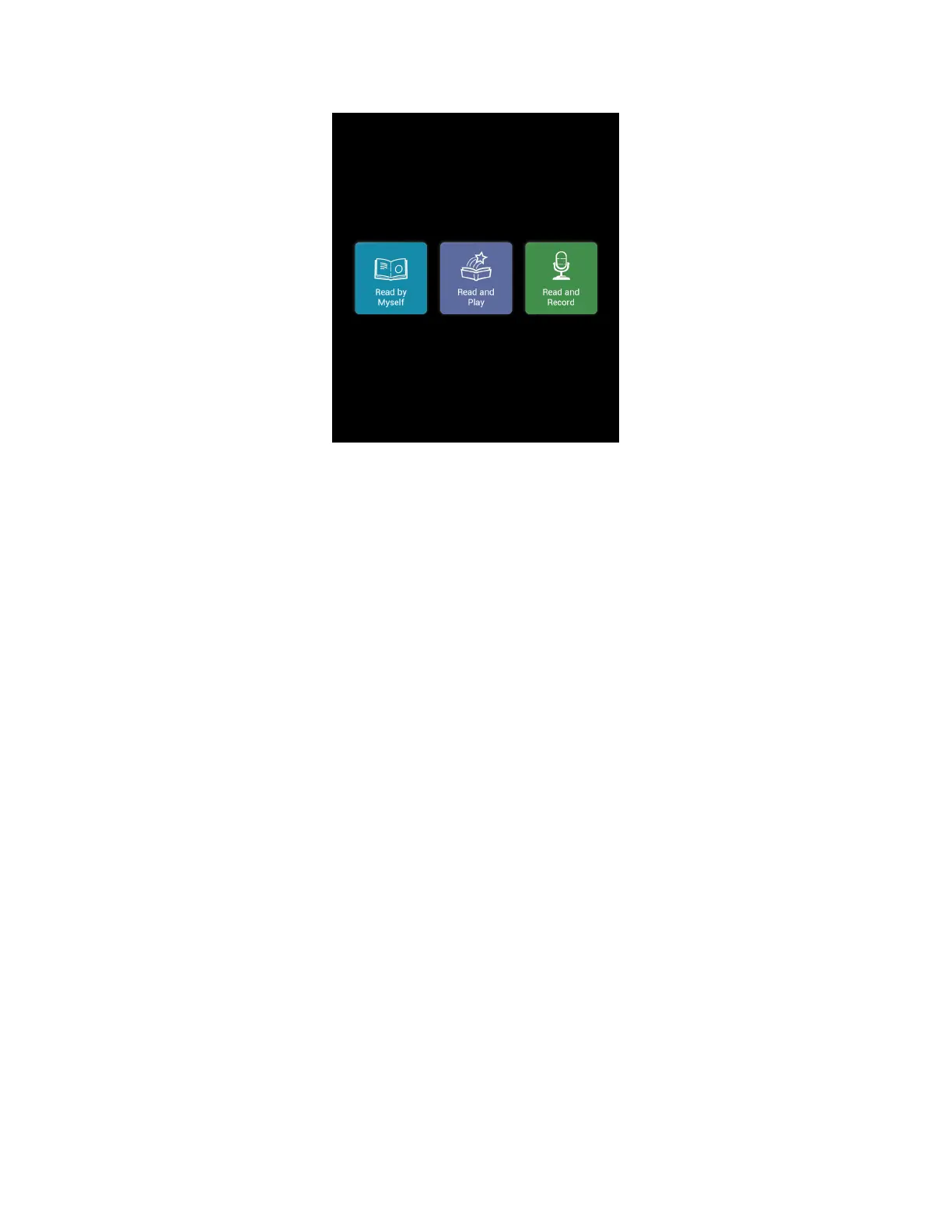
Options for reading are displayed next to the front cover of a NOOK Children’s book.
Reading a Book by Yourself
To read a book by yourself, simply tap on the blue Read by Myself button to open. Then turn the pages as you would
with any other NOOK Book. In Read by Myself mode, the picture book will not play an audio track or play any ani-
mations. You can trigger activities, if available, by tapping the white star when it appears at the top of the screen.



 To Next Page