NOOK HD+ User Guide 91
To change the number of issues of a publication that will be displayed on the Active Shelf or Inbox,
do this:
1. Tap the category of publication you want to configure: Newspapers or Magazines.
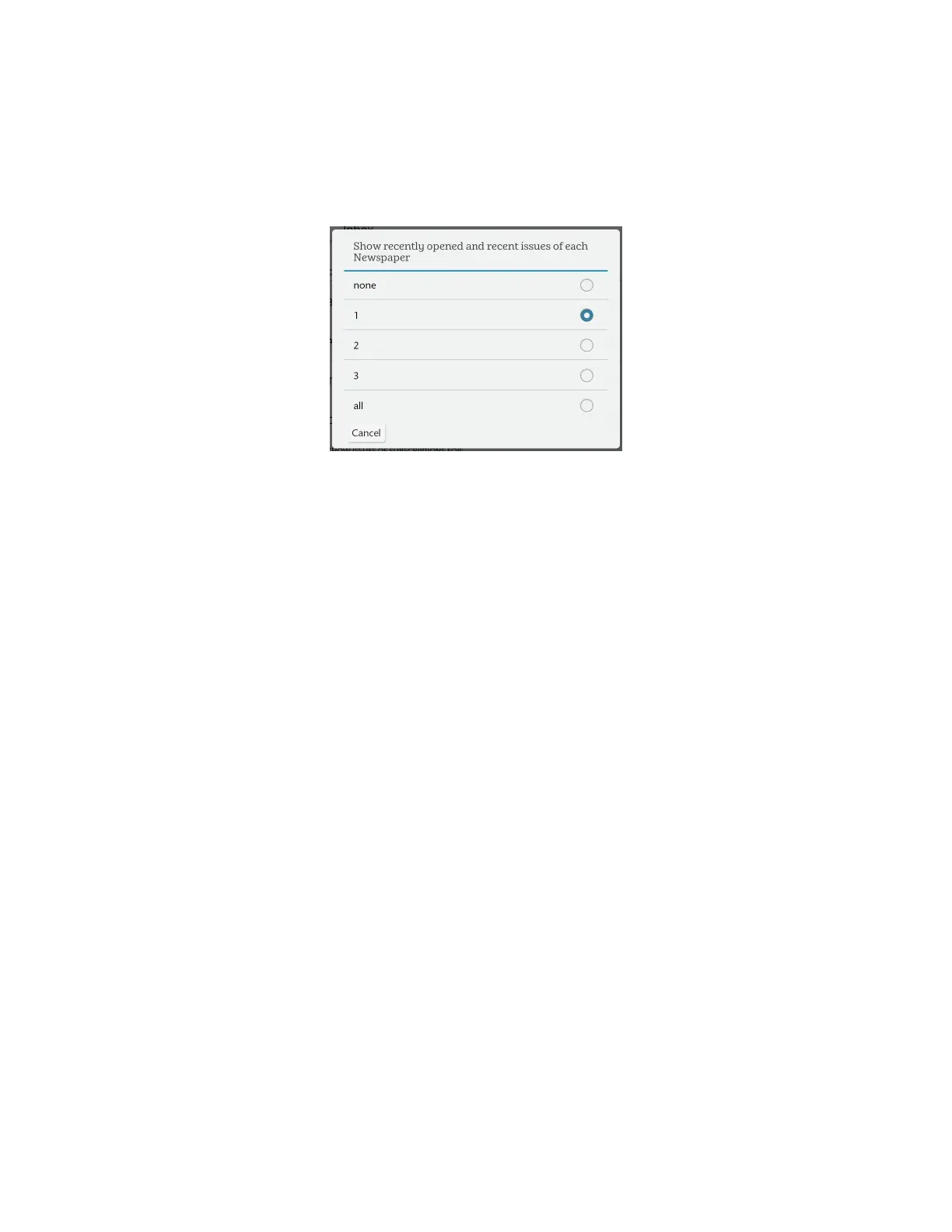
A window opens, oering you a choice of how many issues should be displayed on your Home Screen. The
window looks like this:
The subscription issue configuration for newspapers.
2. Tap the choice you want from the following: none, 1, 2, 3, or all.
The window closes. Your choice takes eect right away.



 To Next Page