EasyManua.ls Logo

NordicTrack NTL10905.0 - User Manual

NordicTrack NTL10905.0
34 pages
Print Icon
To Next Page IconTo Next Page
Loading...
USER'S MANUAL
CAUTION
Read all precautions and instruc
-
tions in this manual before using
this equipment. Save this manual
for future reference.
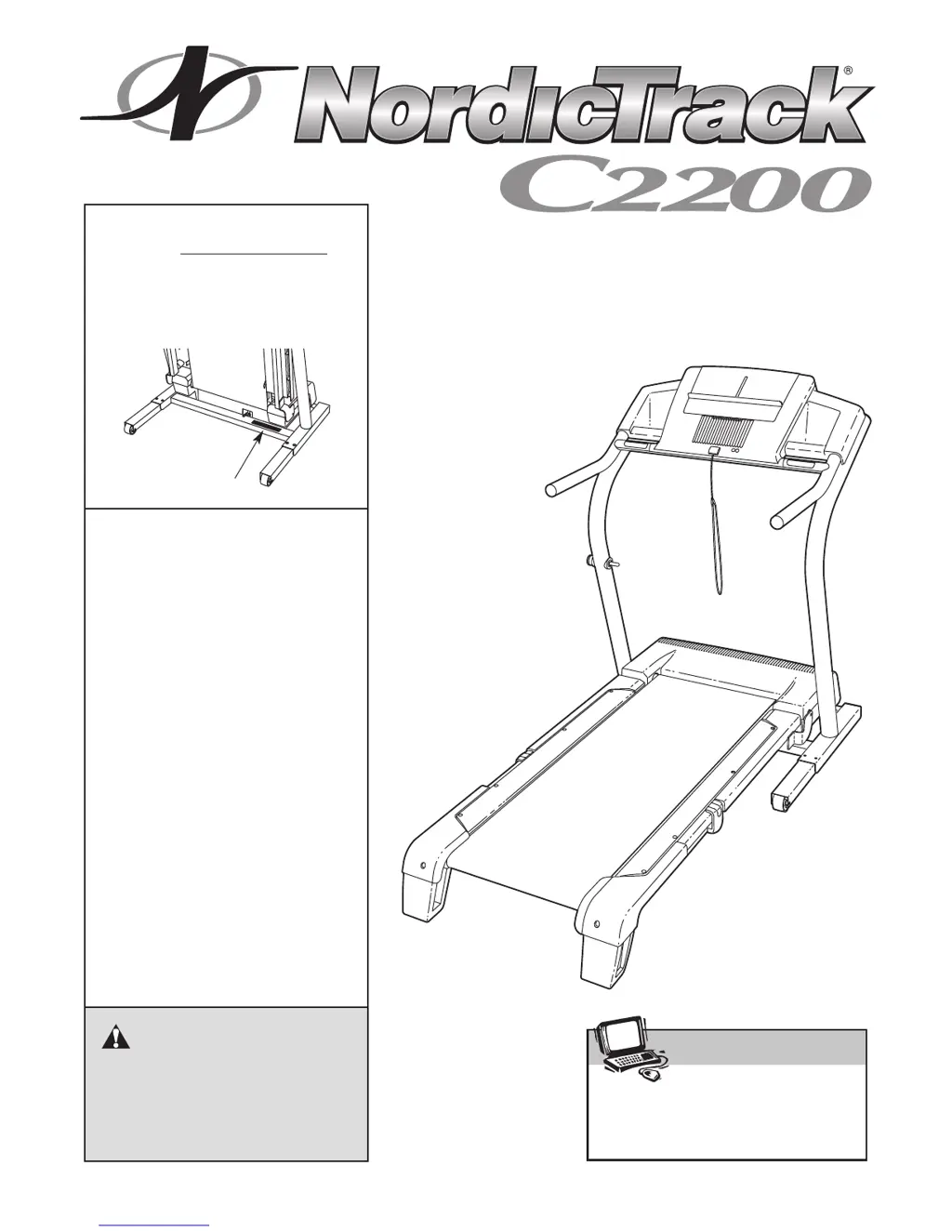
Serial Number Decal
Model No. NTL10905.0
Serial No.
Find the serial number in the location
shown below. Write the serial number
in the space above for reference.
Visit our website at
www.nordictrack.com
new products, prizes,
fitness tips, and much more!
V
QUESTIONS?
As a manufacturer, we are com-
mitted to providing complete
customer satisfaction. If you
have questions, or if parts are
damaged or missing, PLEASE
CONTACT OUR CUSTOMER
SERVICE DEPARTMENT
DIRECTLY.
CALL TOLL-FREE:
1-888-825-2588
Mon.–Fri., 6 a.m.–6 p.m. MST
ON THE WEB:
www.nordictrackservice.com

Questions and Answers

  • J
    James CollinsAug 12, 2025
    How to fix NordicTrack NTL10905.0 when the power does not turn on?
    • C
      Cynthia ThompsonAug 12, 2025
      First, ensure the power cord is correctly plugged into a surge suppressor, and the surge suppressor is plugged into a properly grounded outlet. Use a single-outlet surge suppressor meeting the specifications on page 9. Note that the NordicTrack Treadmill isn't compatible with GFCI outlets. Also, check that the key is fully inserted into the console after plugging in the power cord. Finally, examine the reset/off circuit breaker on the treadmill frame near the power cord. If the switch protrudes, the breaker has tripped; wait five minutes, then press the switch to reset it.
  • V
    victoria25Aug 19, 2025
    What to do if NordicTrack Treadmill power turns off during use?
    • S
      Samantha DavisAug 19, 2025
      If your NordicTrack Treadmill turns off during use, first check the reset/off circuit breaker and reset it if tripped by waiting five minutes before pressing the switch. Ensure the power cord is securely plugged in; if it is, unplug it, wait five minutes, then plug it back in. Also, try removing and reinserting the key from the console. If the issue continues, please refer to the front cover of this manual.
  • J
    Jennifer MooreAug 27, 2025
    What to do if NordicTrack NTL10905.0 Treadmill walking belt slows when walked on?
    • I
      ijohnsonAug 27, 2025
      The walking belt slowing down when walked on may be due to several reasons. First, ensure you're using a single-outlet surge suppressor meeting the specifications described on page 9. If the walking belt is overtightened, unplug the power cord and remove the key. Use an allen wrench to turn both rear roller bolts counterclockwise 1/4 turn. Correct tightness allows lifting each belt edge 3-4 inches off the platform. Ensure the walking belt remains centered. If the issue persists, consult the front cover of this manual.
  • L
    lisa91Sep 3, 2025
    How to recalibrate incline on NordicTrack NTL10905.0?
    • D
      Deborah RileySep 3, 2025
      To recalibrate the incline system on your NordicTrack Treadmill, insert the key into the console and press one of the Incline buttons. While the incline is changing, remove the key, and after a few seconds, re-insert it. The treadmill should automatically rise to the maximum incline and then return to the minimum level, recalibrating the system.

NordicTrack NTL10905.0 Specifications

General IconGeneral
BrandNordicTrack
ModelNTL10905.0
CategoryTreadmill
LanguageEnglish

Related product manuals