EasyManua.ls Logo

NordicTrack NTL10423.2 - User Manual

NordicTrack NTL10423.2
40 pages
Print Icon
To Next Page IconTo Next Page
Loading...
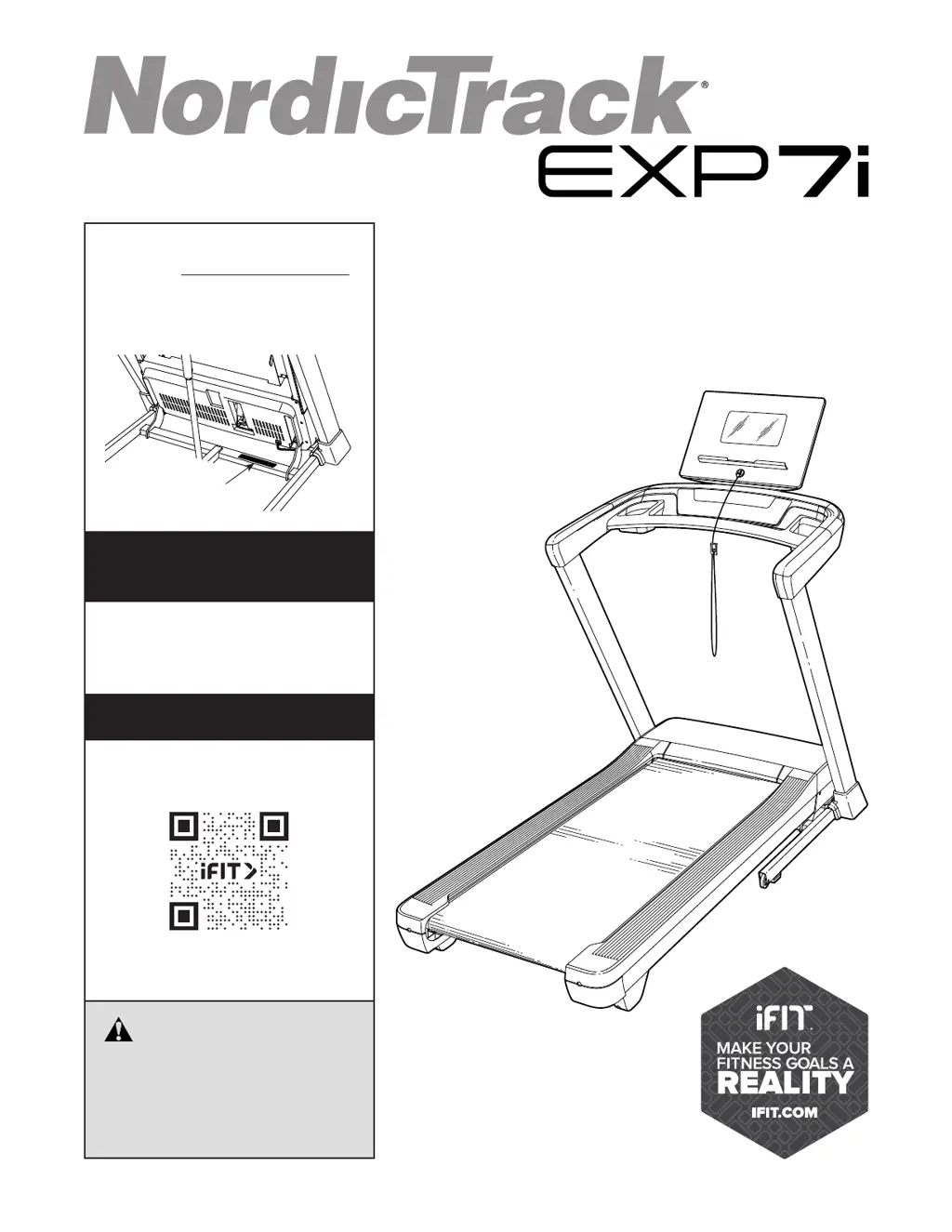
USER’S MANUAL
Model No. NTL10423.2
Serial No.
Write the serial number in the space
above for reference.
REGISTER YOUR
PRODUCT
MEMBER CARE
CAUTION
Read all precautions and
instructions in this manual before
using this equipment. Keep this
manual for future reference.
nordictrack.com
To register your product and
activate your warranty today, go
to my.nordictrack.com.
For service at any time, go to
my.iFIT.com or scan the QR code.
Please do not contact the store.
Serial Number
Decal

Questions and Answers

  • C
    chapmanstacyAug 10, 2025
    How to turn on NordicTrack NTL10423.2?
    • M
      Michael BlairAug 10, 2025
      First, ensure the power cord is correctly plugged into a surge suppressor, and the surge suppressor is plugged into a grounded outlet. Also, make sure the key is inserted into the console. If the power switch has tripped, wait five minutes before pressing it back in. If your circuit breaker trips repeatedly, consider purchasing an arc filter.
  • M
    Michael SmithAug 16, 2025
    What to do if the NordicTrack NTL10423.2 Treadmill console display is not working?
    • M
      melissa63Aug 16, 2025
      If the console does not boot up properly, or if the console freezes and does not respond, reset the console to the factory default settings. To reset the console, press the power switch into the off position. Next, locate the indicated small opening on the top of the console. Using a bent paper clip, press and hold the small button inside of the opening and have a second person press the power switch into the on/reset position. Continue to hold the button inside of the opening until the console turns on. When the reset operation is complete, the console will turn off and then turn back on. If it does not, use the power switch to turn the treadmill off and then on again. Once the console turns on, check for firmware updates.
  • J
    Jason GarciaAug 21, 2025
    What to do if my NordicTrack NTL10423.2 Treadmill turns off during use?
    • F
      Franklin WaltersAug 21, 2025
      If your NordicTrack Treadmill turns off during use, ensure the power cord is securely plugged in; if plugged, unplug it, wait five minutes, then plug it back in. Also, try removing and reinserting the key from the console. If the switch has tripped, wait five minutes and then press the switch back in.
  • E
    Eric HarrisAug 27, 2025
    How to fix a NordicTrack Treadmill walking belt that is off-center or slips?
    • N
      Nathan StanleyAug 27, 2025
      If the walking belt has shifted left, use the hex key to turn the left idler roller screw clockwise 1/2 turn. If it shifted right, turn the left idler roller screw counterclockwise 1/2 turn. If the belt slips, remove the key and unplug the power cord, then use the hex key to turn both idler roller screws clockwise 1/4 of a turn. After adjustments, plug in the power cord, insert the key, and walk on the treadmill for a few minutes to test. When the walking belt is correctly tightened, you should be able to lift each edge of the walking belt 2 to 3 in. (5 to 7 cm) off the walking platform.
  • C
    Christopher WeaverSep 2, 2025
    Why does the NordicTrack NTL10423.2 Treadmill walking belt slow down when I walk on it?
    • S
      Sarah HarrisSep 3, 2025
      The walking belt may slow down if it is overtightened or if you are not using the correct surge suppressor. Use only a surge suppressor that meets all of the specifications. If the walking belt is overtightened, remove the key and unplug the power cord. Using the hex key, turn both idler roller screws counterclockwise 1/4 of a turn. Then, plug in the power cord, insert the key, and walk on the treadmill for a few minutes. Repeat until the walking belt is properly tightened.

Summary

Important Precautions

Before You Begin

Part Identification Chart

Assembly

How to Plug in the Power Cord

Use a Surge Suppressor

Essential for protecting the treadmill from voltage surges and damage.

Plug in the Power Cord

Instructions for grounding the treadmill and connecting the power cord safely.

How to Use the Treadmill

How to Turn On the Console

Step-by-step guide for powering on the treadmill console and safety checks.

How to Use the Manual Mode

Instructions for operating the treadmill using basic manual controls for speed and incline.

How to Fold and Move the Treadmill

How to Fold the Treadmill

Procedure for safely folding the treadmill for storage, including incline adjustment.

How to Move the Treadmill

Instructions for safely moving the folded treadmill, requiring two people.

How to Lower the Treadmill for Use

Steps to safely unfold the treadmill from storage position to ready-to-use state.

Maintenance and Troubleshooting

Maintenance

Regular cleaning and inspection procedures to ensure optimal performance and longevity.

Troubleshooting

Solutions for common treadmill problems like power issues, incline, and connectivity.

Exercise Guidelines

Part List

Exploded Drawings

NordicTrack NTL10423.2 Specifications

General IconGeneral
Running Area20" x 60"
Speed0-12 MPH
Weight Capacity300 Lbs
Model NumberNTL10423.2
Incline12%
FoldingYes
ProgramsiFit Enabled

Related product manuals