4. OPERATION AND USE
Click the silent button ① again, to exit the silent mode.
4-2 Timing silent function setting
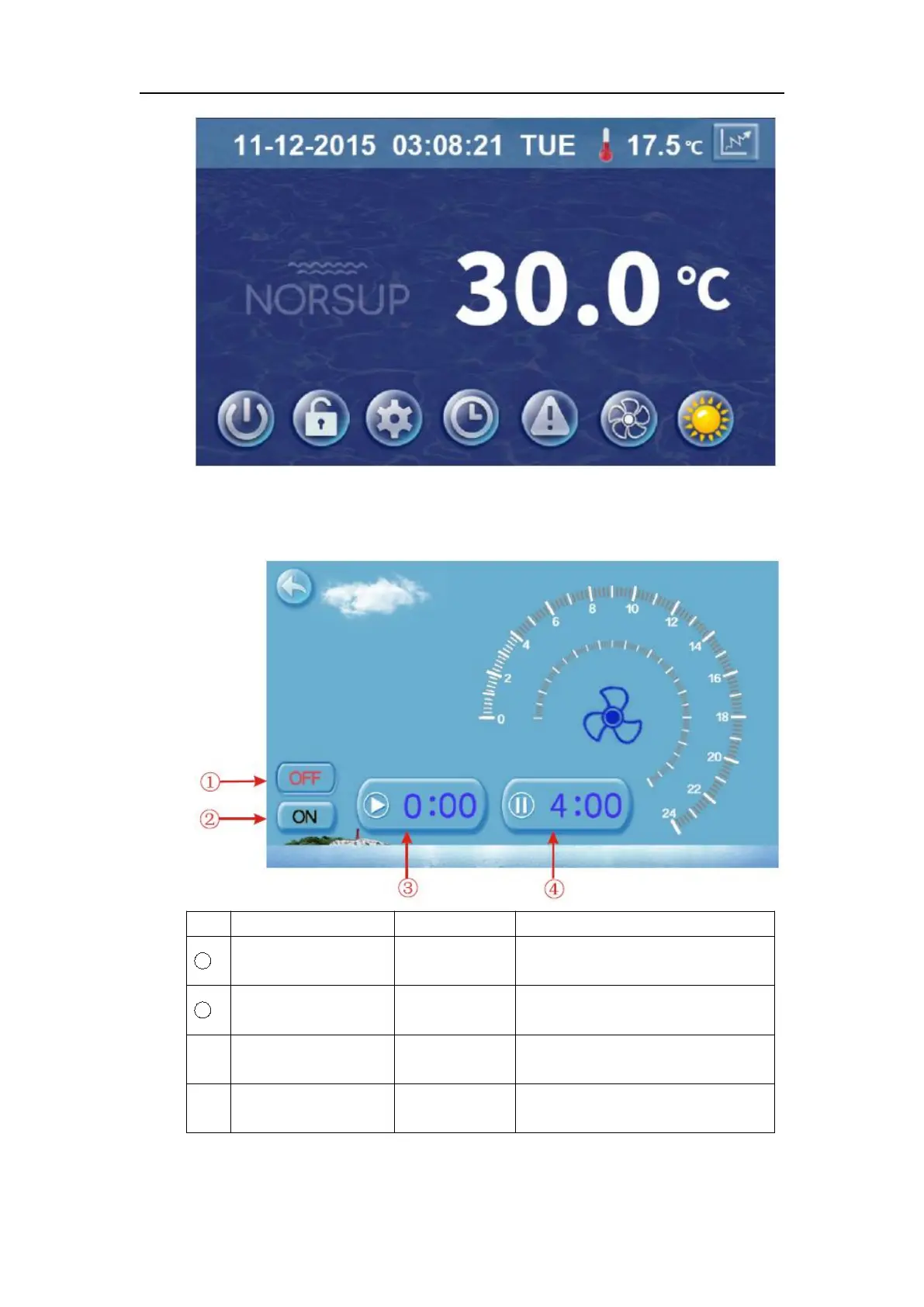
Click timing silent button ②, and interface displays as follows:
Click to use or unuse timing off
function
Click to use or unuse timing on
function
Click this button to set the timing
silent start time
Click this button to set the timing
silent end time
Start time and end time setting value must be among the range of 0:00 -23:00, and setting



 To Next Page