4. OPERATION AND USE
Click to set start time of the timing
Click this button to start or end
timing end setting function
Click to set end time of the timing
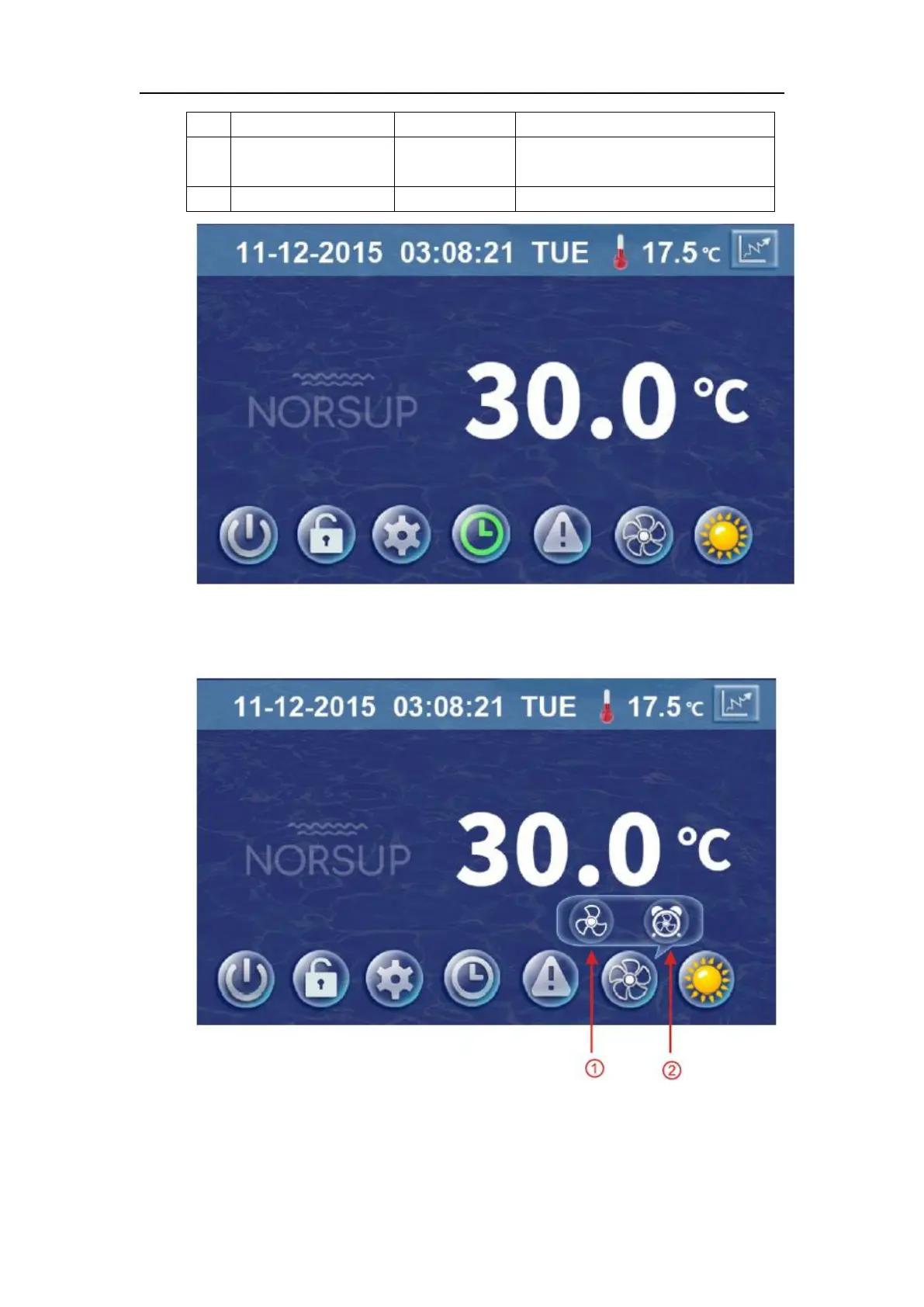
When the timer was starting, the clock button is green in the main interface.
(4) Silent setting and silent timing setting
Click the silent setting button, and the interface displays as follows:
4-1 The silent button
Click the silent button ①, the unit will enter the silent mode, and interface displays as
follows:



 To Next Page