4. OPERATION AND USE
3-1 The operation of time setting
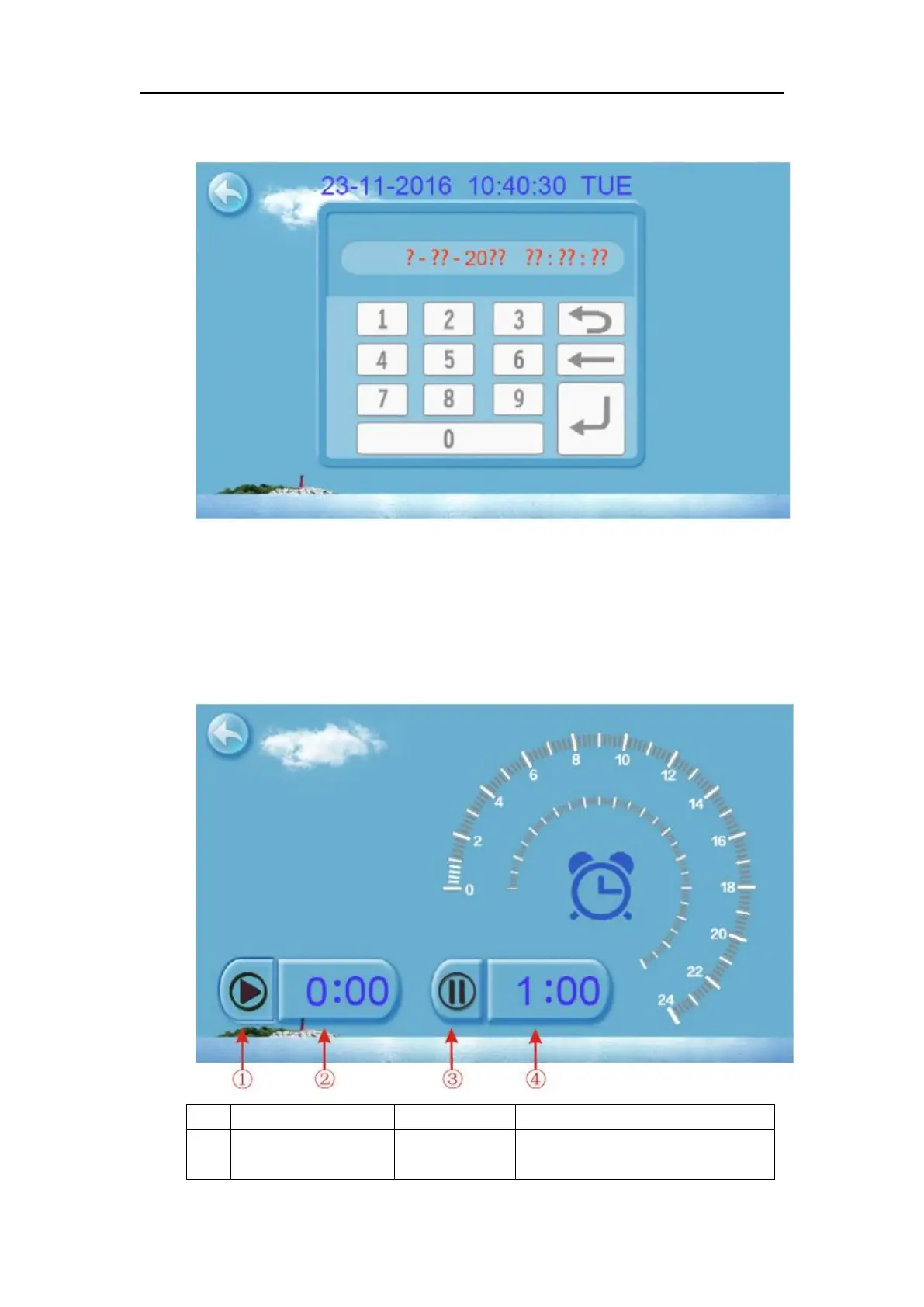
Click on the time Settings button ①, interface displays as follows:
Click the value to set time directly, the click confirm button to save the Settings.
For example: setup time: the 30-11-2016 16:00:00, input 30 11 16 16 00 00, the time
change then click confirm button.
Note: if the input format is not correct, the wrong time will be saved by clicking confirm
button.
3-2 The operation of timing setting
Click the timing set button ② to enter timing setinterface.
Click this button to start or end
timing start setting function



 To Next Page