Managing contacts
71
Deleting the VIP list
Use the following procedure to delete the entire VIP list at once:
1. From idle, press PHONEBOOK.
2. Use the up and down arrows to select VIP list.
3. Press OK.
4. From the VIP List window, select Delete list.
5. Press OK.
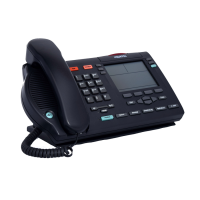
The IP Phone 1535 displays the message “Delete all VIPs?”
6. Press YES.
All entries in the VIP list are now cleared.



 To Next Page