14 Installing the chassis
Check
Accessory Use To
Console cable with built-in adapter Connect an optional management
console to the chassis. Each end of
the cable has a female DB9 and a
DB25 connector.
Cable guide Keep cable clusters fastened and out
of the way, but still accessible for
maintenance
Removing a module or power filler panel
Nortel ships the 8000 series chassis with a filler panel covering each empty
module slot. On an 8003, 8006, and 8010 chassis, the filler panel covers
an empty module slot. On the 8010co chassis, the filler panel resembles a
module and is installed in the empty module slot. Remove any filler panels
prior to installing the chassis to make it lighter to install.
To remove a module or power filler panel:
Step Action
1
Using a Phillips screwdriver, loosen the 2 screws that fasten the
filler panel to the chassis.
2
Pull the panel away from the slot.
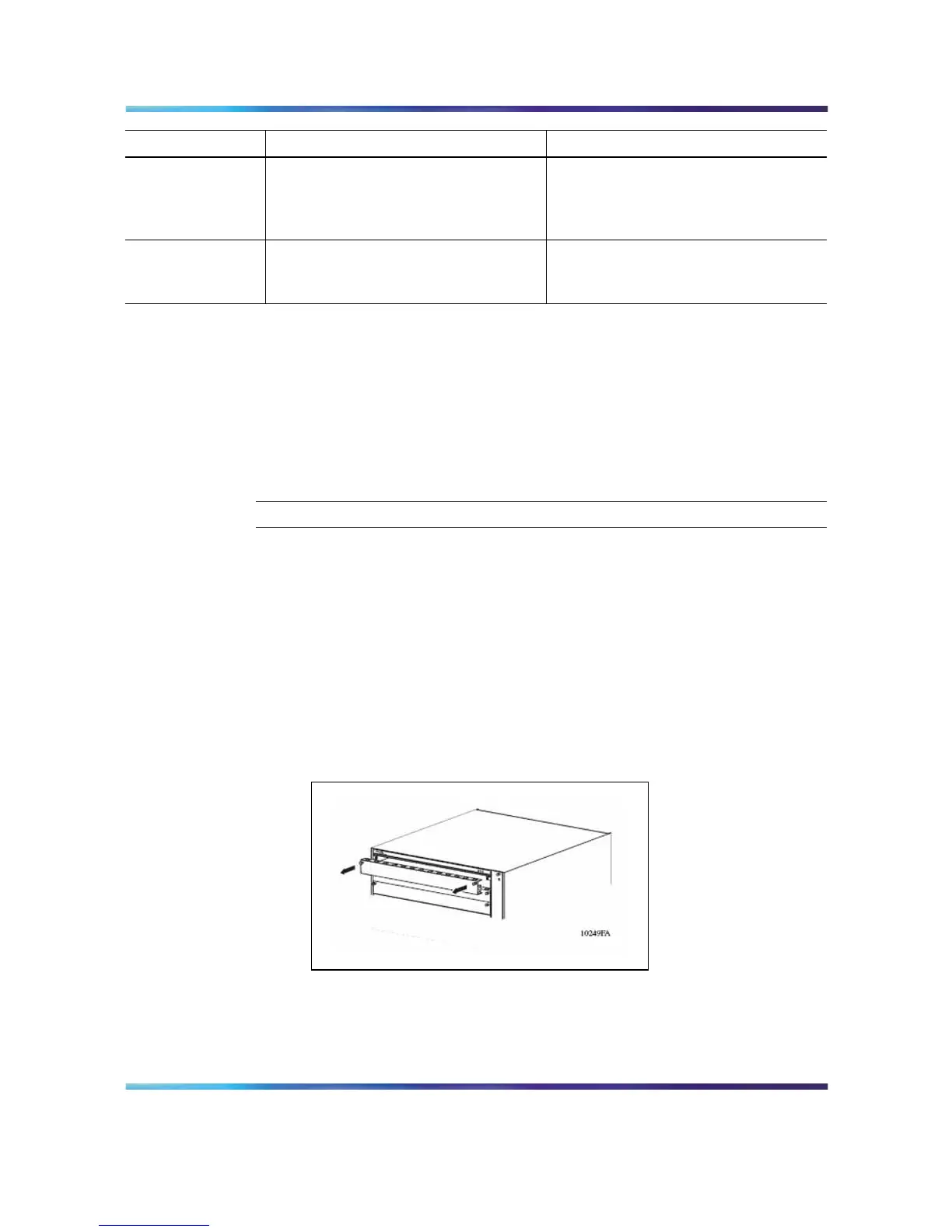
Figure 1 "Removing a filler cover for 8003, 8006, and 8010 chassis"
(page 14) shows the location of the filler cover for the 8003, 8006,
and 8010 chassis. Figure 2 "Removing a filler panel for 8010co
chassis" (page 15) shows the location of the filler panel for the
8010co chassis.
Figure 1
Removing a filler cover for 8003, 8006, and 8010 chassis
Nortel Ethernet Routing Switch 8600
Quick Start
NN46205-310 01.01 Standard
4.1 21 December 2006
Copyright © 2006 , Nortel Networks Nortel Networks Confidential
.



 To Next Page