Installing a module 27
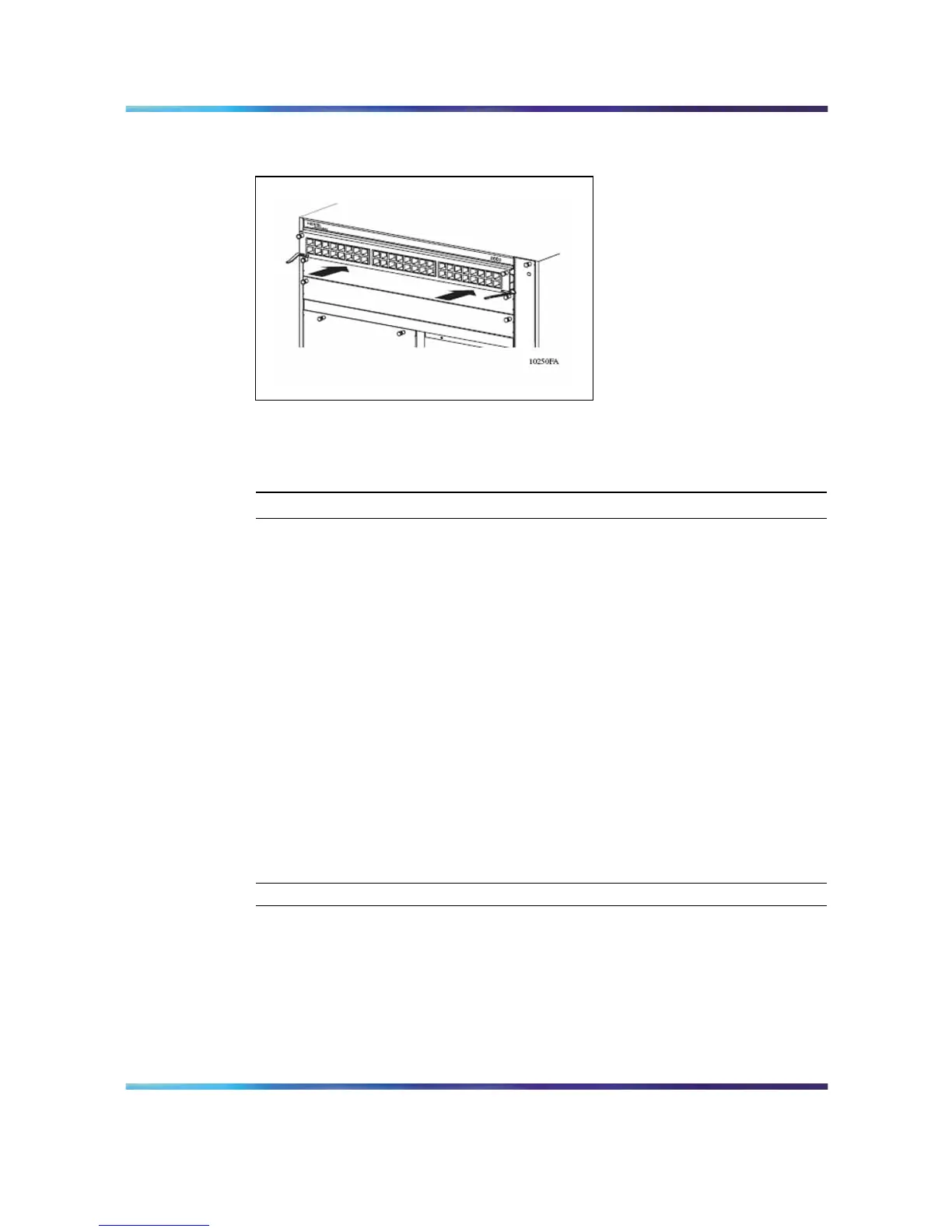
Figure 13
Installing a module: 8003, 8006, and 8010 chassis
You can install an Ethernet Routing Switch 8600 module with the power
on or off.
To install an Ethernet Routing Switch 8600 module:
Step Action
1
Locate the slot where you want to install the module.
2
Remove the filler panel or cover. To remove the module filler panel,
see "Removing a module or power filler panel" (page 14).
3
Make sure that the insert/extract levers are extended away from
the front of the module.
4
Slide the module into the slot using the slot module guides.
5
Slide the module into the chassis until its connector panel touches
the chassis back panel.
6
Rotate the insert/extract levers to seat the module backplane
connectors.
7
Using a Phillips screwdriver, tighten the 2 captive screws to secure
the module to the chassis.
—End—
After you install the modules, you can connect console equipment and
network cables.
Nortel Ethernet Routing Switch 8600
Quick Start
NN46205-310 01.01 Standard
4.1 21 December 2006
Copyright © 2006 , Nortel Networks Nortel Networks Confidential
.



 To Next Page