Northstar Explorer 660 Installation and Operation Manual16
2-6-3 Data header and compass
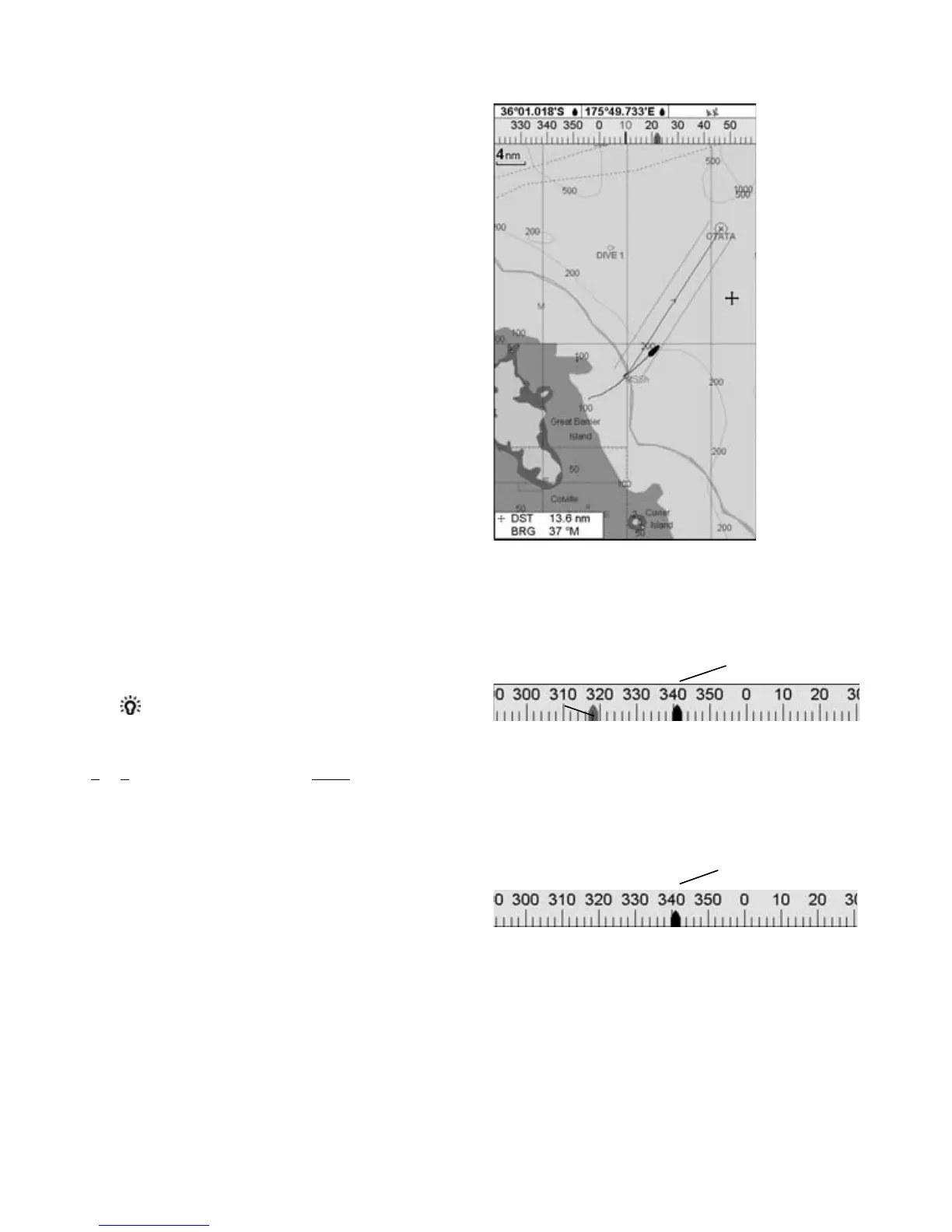
The chart, sonar and highway displays can show
data and a compass at the top of the display.
The data header
1 Press MENU and select Data header.
2 To turn the data header off or on:
i Select Data.
ii Select Off or On.
3 To choose the size of the numbers:
i Select Size.
ii Select:
Small: displays three fi elds per line
and up to four lines.
Medium: displays two fi elds per line
and up to six lines.
Large: displays same amount of data
as medium but with a larger font.
4 To change the data header:
i Select Data setup.
ii Change a data fi eld:
a Press the cursor keys to highlight the
fi eld.
b Press ENTER to display a menu of the
data that can be shown in the fi eld.
c Select the data to show in the fi eld;
select None to leave the fi eld empty.
iii Repeat the above step to set the other
data fi elds. Press ESC.
Tip: If less than the maximum number of
lines of data are used, the data will take up
less of the display area.
5 Press ESC to return to the chart display.
The compass
When the boat is navigating to a point, the
compass shows the bearing to the destination
(BRG) in the middle and the boat’s course over
ground (COG), for example here BRG is 4° and
COG is 12°:
Otherwise the compass shows the boat’s COG in
the middle, for example here COG is 12°:
To turn the compass off or on
1 Press MENU and select Data header.
2 Select Compass and select Off or On.
3 Press ESC to return to the display.
BRG (red)
COG
Compass
Data header
A typical display with data and compass
COG



 To Next Page