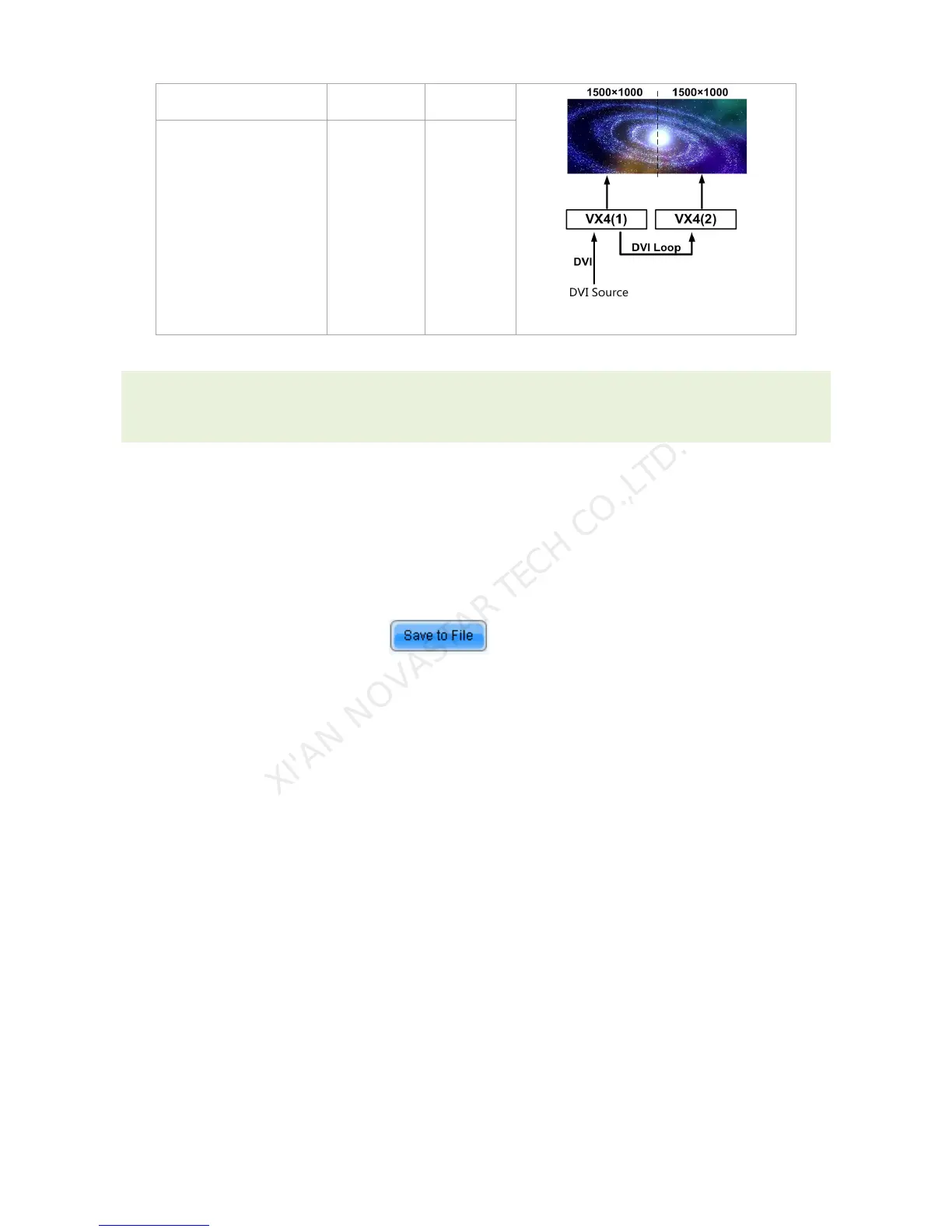
Tips: If you want to enable Image Mosaic, it should be ensured that output setting is the third case-
Custom Scaling. In other words, [Scaling] is Enabled, while [Auto Fit] is Disabled.
9.7.3 Load Cabinet Files
VX4 is connected with PC, NovaLCT-Mars runs on PC and cabinet setting file saved previously is
imported into controller.
1) Save cabinet configuration file
After receiving card is configured, click and save cabinet configuration file (.rcfg) to local
file on PC.



 To Next Page