User's Manual of Led Display Video Controller VX4S/VX4
www.novastar-led.com 13
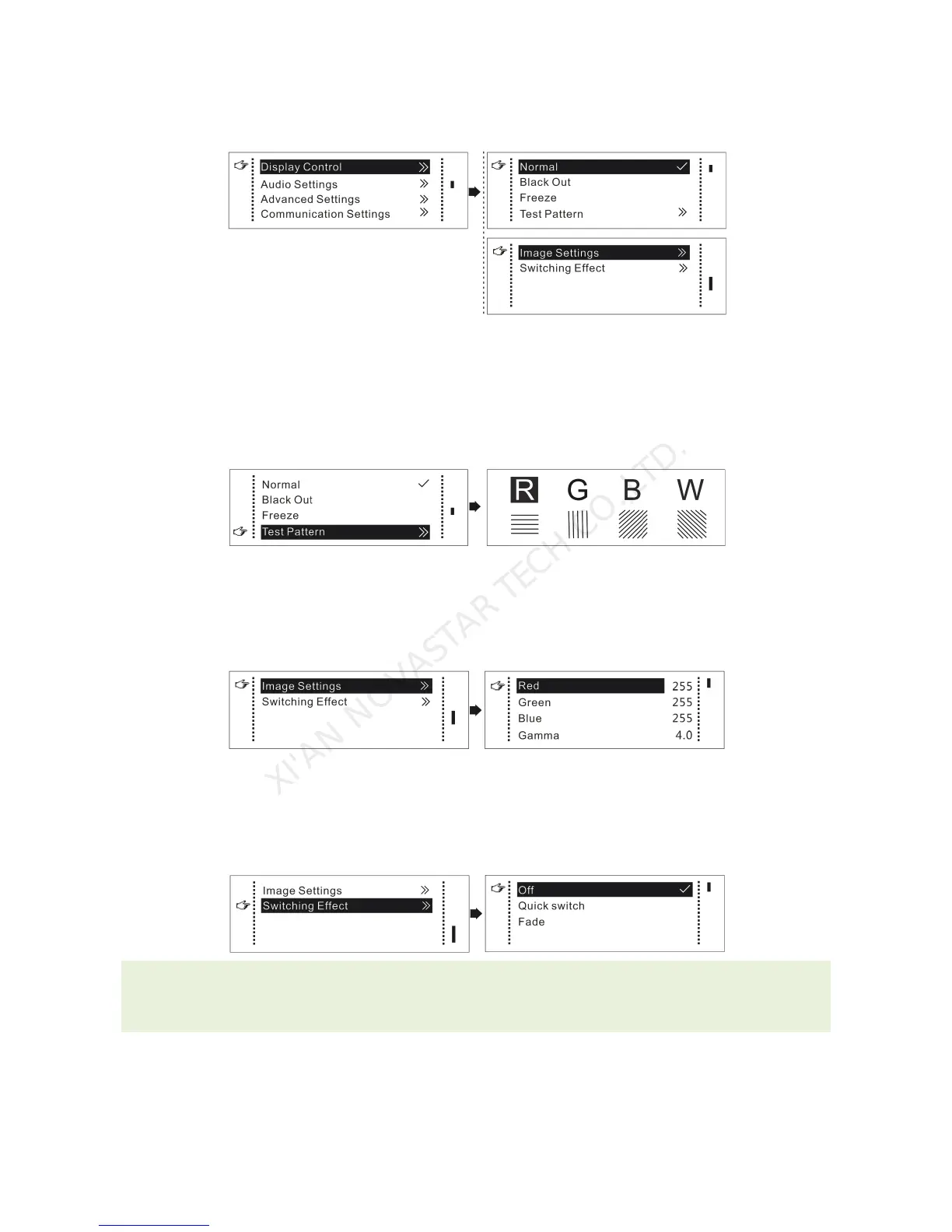
9.5 Display Control
Normal : Normally display.
Blank Out: The display is blank
Freeze: The current play lists are frozen.
Testing Pattern: There are eight kinds of testing screens in total, including pure color and lines.
Image Settings
Red, Green, Blue and Gamma value are set according to the requirements. After they are adjusted to
satisfaction, the parameters should be saved into receiving card.
Switching effect
Set the effects when switching screens, including Quick switching, fading and turning off. After selecting
the desired effect, it will take effect after pressing the knob.
Tips: When enabling PIP function, the switching effect will automatically disappear. Only when PIP
function turn off, the special effect function of channel switching can take effect.
9.6 Audio Settings
Control the enabling /disenabling of Audio, volume and Audio mode.



 To Next Page