5554
NOXON A110+
5.6 DAB
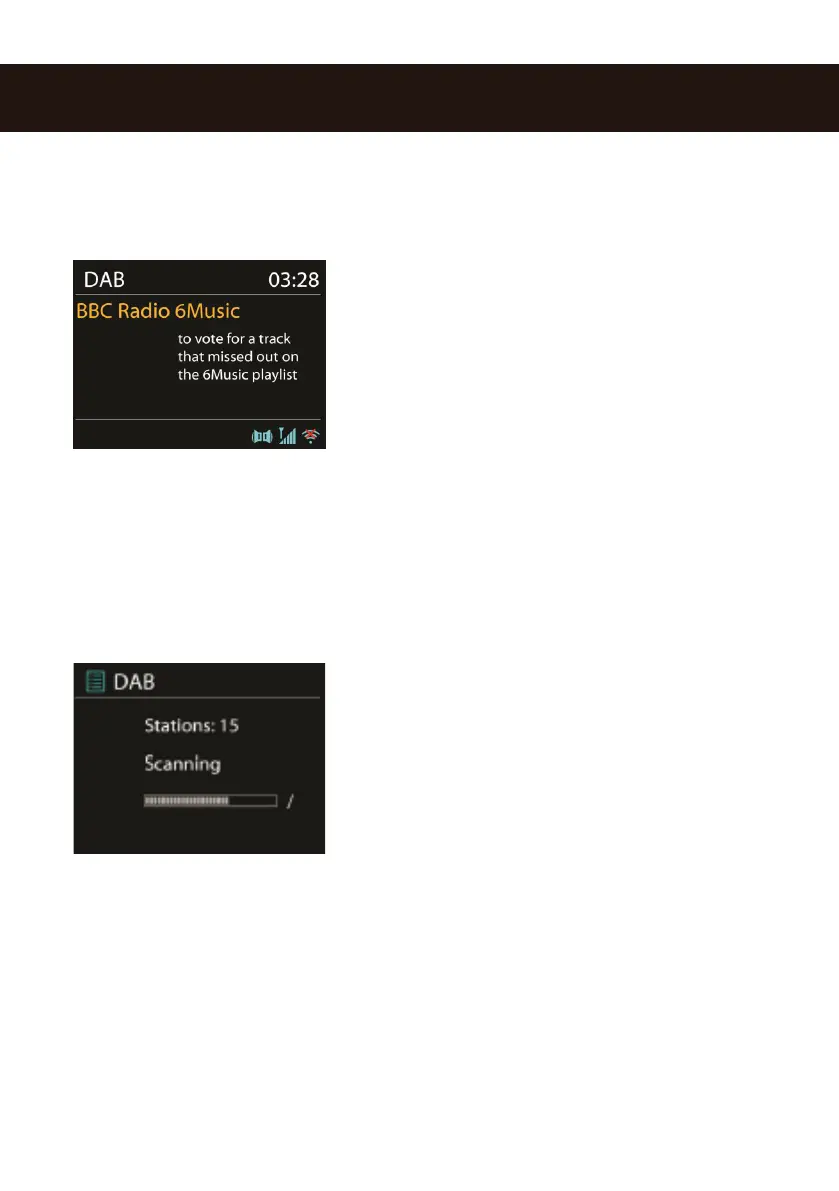
DAB mode recives DAB/DAB+ digital radio and dsiplay information about station, stream and track
playing.
5.6.1 Scanning for stations
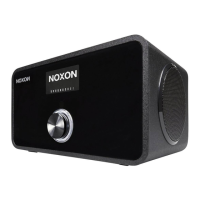
The rst time you select DAB radio mode, or if the station
list is empty, NOXON A110+ automatically performs a full
scan to see what stations are available. You may also need
to start a scan manually to update the list of stations for one
of the following reasons:
• Available stations change from time to time.
• If reception was not good for the original scan, this may result in an empty or incomplete list
of available stations.
• If you have poor reception of some stations (burbling), you may wish to list only stations with
good signal strength.
To start a scan manually, choose Full scan.
Once the scan is complete, the radio shows a list of
available stations. To remove stations that are listed but not
unavailable, choose Prune invalid.
Please use the remote control to view a list of stations and
press to select. Once selected, the station plays and the
screen shows information about station, track or show as
broadcast.
5.6.2 Presets (Numpad)
To store a DAB preset, press and hold one of the presets until the display shows the save preset
screen. Select one of the presets to save the currently playing station.
To select a preset, press one of the 10 presets on your remote control briey, then select one of
the listed preset stations. When a preset station is playing, it shows Pn (P1, P2 etc) at the bottom
right of the screen.



 To Next Page