EN-8
[WPS] There will be hints for the type of network if your network device supports the WPS function.
Use one of the following methods of connection:
o Push button: The device prompts you to press the connect button on the router. It then scans for a
ready Push Button Connect network and connects.
o Pin: The device generates an 8-digit code number which you enter into the wireless router, access
point, or an external registrar.
o Skip WPS: Enter key as for a standard encrypted network.
For more information on setting up a WPS encrypted network, see your WPS router’s instructions.
Device attempts to connect to the selected network.
It will show connected if the setup is successful. If connecting fails, it returns to a previous screen to try
again. Once completed, press OK to quit the setup wizard.
7 Menu Operation
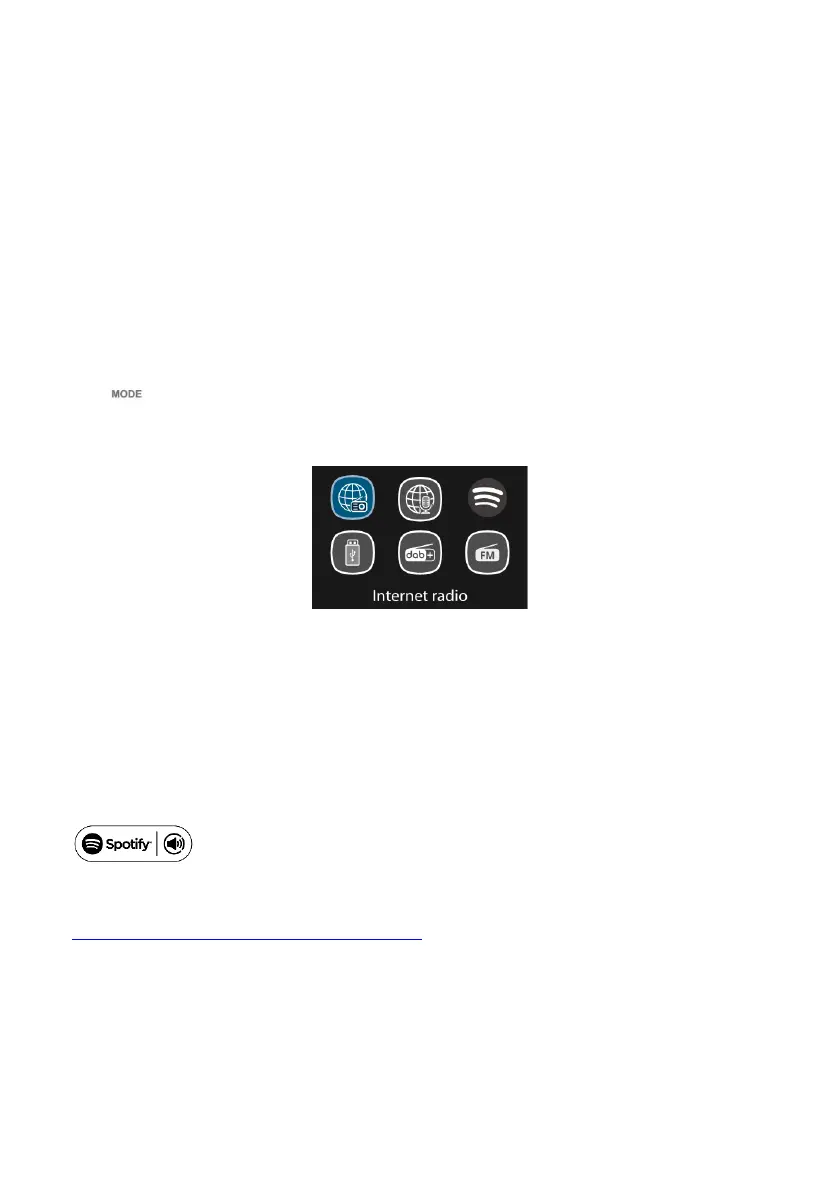
Press on the device or on the remote control to select modes. The 8 available operating modes show
on the display.
Internet Radio, Podcasts, Spotify Connect, USB, DAB, FM, Bluetooth, CD.
7.1 Internet Radio, Podcasts
Device can play thousands of radio stations and podcasts from around the world though a broadband
Internet connection. When you select Internet radio or Podcasts mode, the device directly contacts the
Frontier Smart Technologies portal to get a list of stations or podcasts. The list menu is provided from the
portal, so it is only accessible when the device is connected to the Internet. The contents and submenus
may change from time to time.
Choose required category and search the station or podcast to listen.
7.2 Spotify Connect
Use your phone, tablet, or computer as a remote control for Spotify. Go to spotify.com/connect to learn
how
The Spotify Software is subject to third-party licenses found here:
http://www.spotify.com/connect/third-party-licenses
7.3 USB
USB mode plays audio from the USB stick/device after plugging into the USB port.
Menus are generated from the folders on the USB device. Browse folders with the navigate reel, back
button, shuffle/repeat, or direction keys on the remote control. The display shows folder and file names
(not necessarily track names).
Once you have found a track you want to play, press OK to play.
Notice: The USB port supports MP3 files playback.


 To Next Page