EN-12
7.8 Sleep
To set the sleep timer, select Sleep under Main menu. Or press Sleep/snooze button on the remote
control to set it. Choose from Sleep OFF, 15, 30, 45, or 60 minutes and confirm. Once you select a sleep
period, the system returns to the now playing screen.
7.9 Alarm
There are two versatile wake-up alarms with snooze facility. Each alarm can be set to start in a particular
mode.
Select Alarms under Main menu to set or change an alarm.
After setup all the parameters, select Save to activate. The screen shows active alarms with an icon at the
bottom left.
At the set time, the alarm will sound. To temporarily silence the alarm, press any key except or ALARM
on the device or or Sleep/snooze on the remote control. You can change the snooze period. The radio
returns to standby for the set period with the silenced alarm icon flashing.
Press or ALARM on the device or press or Sleep/snooze on the remote control to turn off the alarm.
7.10 UNDOK
The device gives a feature of network remote by smartphone or tablet in iOS or Android system. By
downloading the assigned app named UNDOK, you can view all the modes the device.
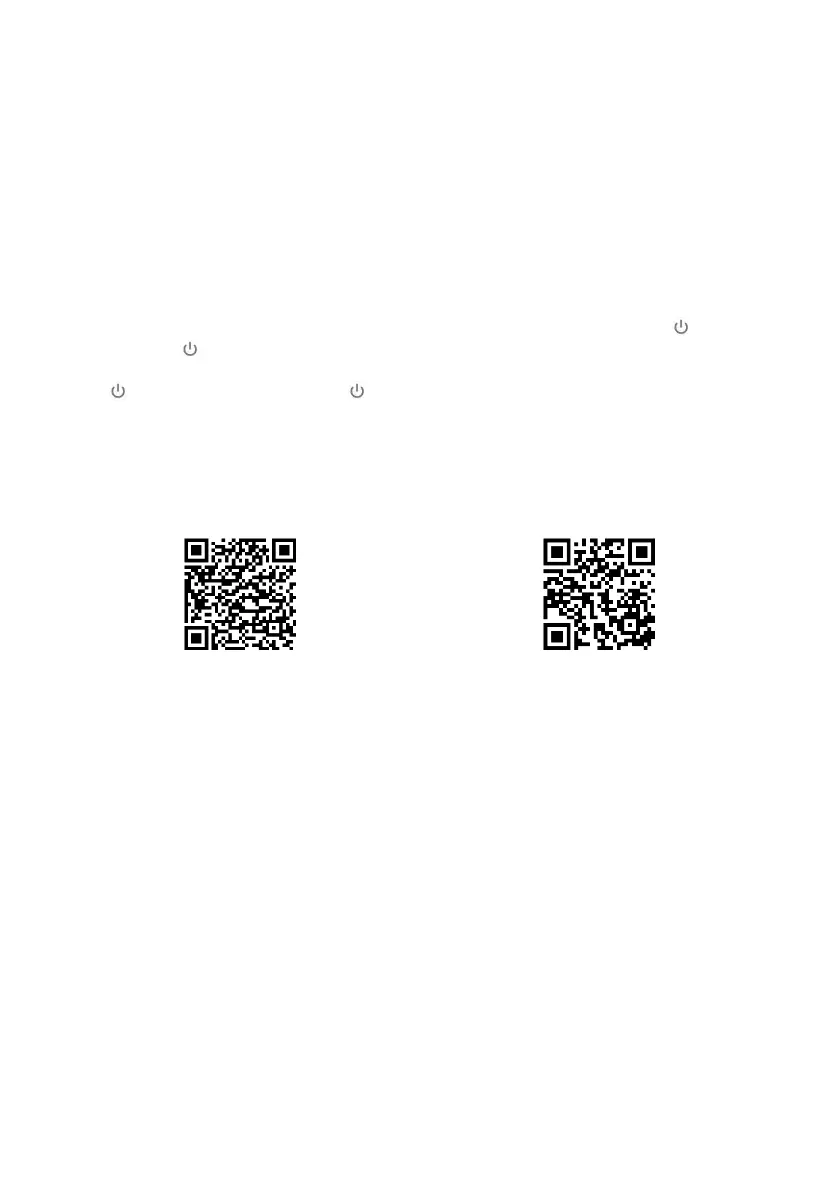
Search UNDOK from Google Play or Apple Store, and install it to your smartphone or tablet.
For Android system (Google Play)
For iOS system (Apple Store)
Before using the UNDOK app, make sure the device and the smartphone/tablet are in the same WiFi
network.
Launch the app. The app initialises and scans for Internet Radio in the network. Tap the device to make the
connection.
When prompted, enter the current PIN code. The default PIN is “1234”. You can view and edit the current
PIN on the Internet Radio in the menu Select your desired mode in the main page. You may then control
the selected mode on your smartphone/tablet and on the display of the device simultaneously.
NOTE: Be aware that if another smartphone/tablet with the app in the same network have access with the
device, the original connection will be cut off.


 To Next Page