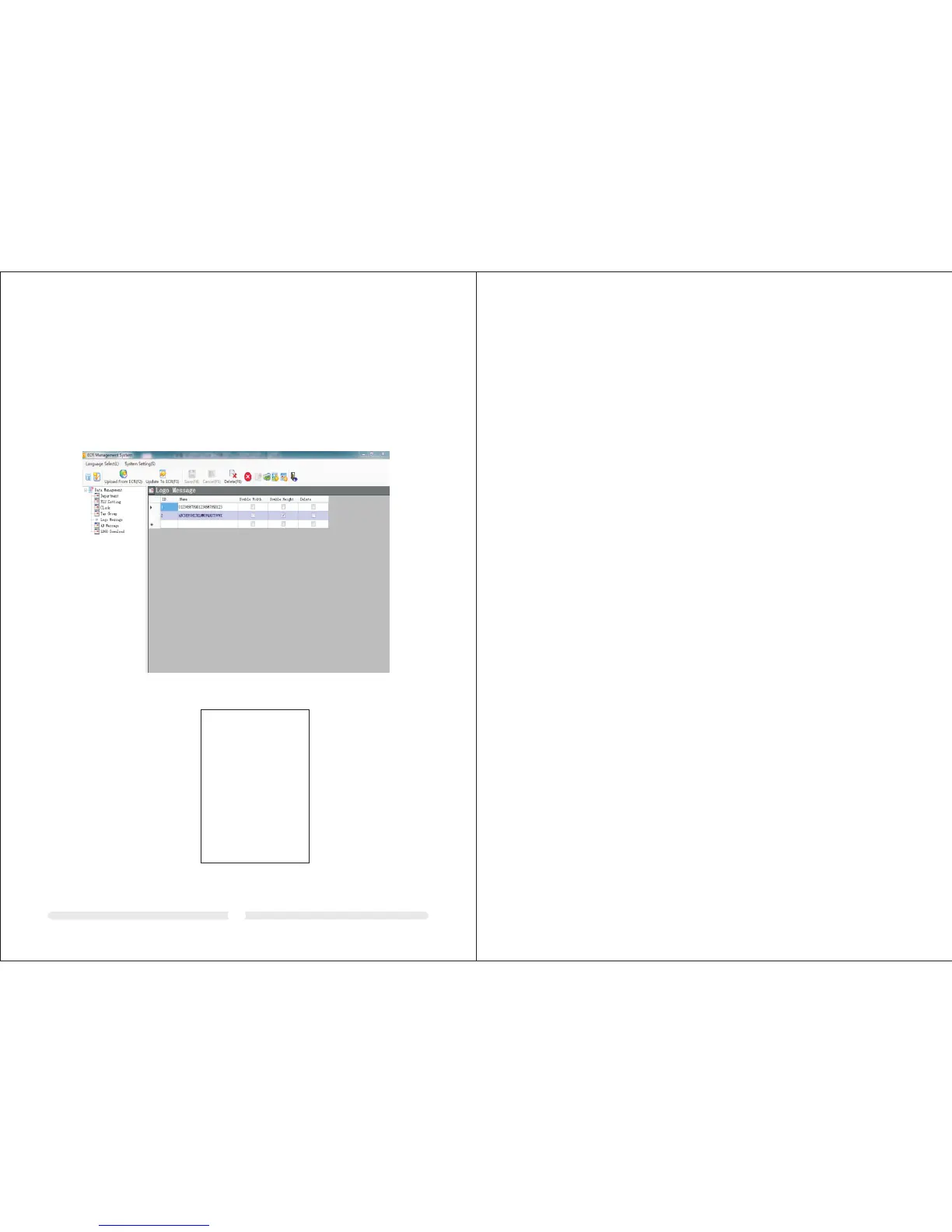
12.6 Receipt title logo message and tail AD message setting
By this software, users can add contact and AD info through logo message and AD
message.
There are maximum 4 rows, 24 characters per row or 12 double width characters.
How to operate:
1, Click logo Message,input logo message in the right form. Select Double Width
and Double Height to modify font,click Update to refresh ECR Logo message.
The method to download tail AD message is same as above.
Example:
37
CLERK#01
DEP01 5.00
TOTAL 5.00
CASH 5. 00
04-26-2 011 12:00
************* ***********
************* ***********
* ABCD EFGHIJKLMNOPQRS TUVW X *
* ABCDEFGHIJKLMNOPQRSTUVWX *
A B C D E F G H I J K L
A B C D E F G H I J K L
*
*
*
*
************* ***********
************* ***********
* ABCD EFGHIJKLMNOPQRS TUVW X *
* ABCDEFGHIJKLMNOPQRSTUVWX *
A B C D E F G H I J K L
*
*



 To Previous Page