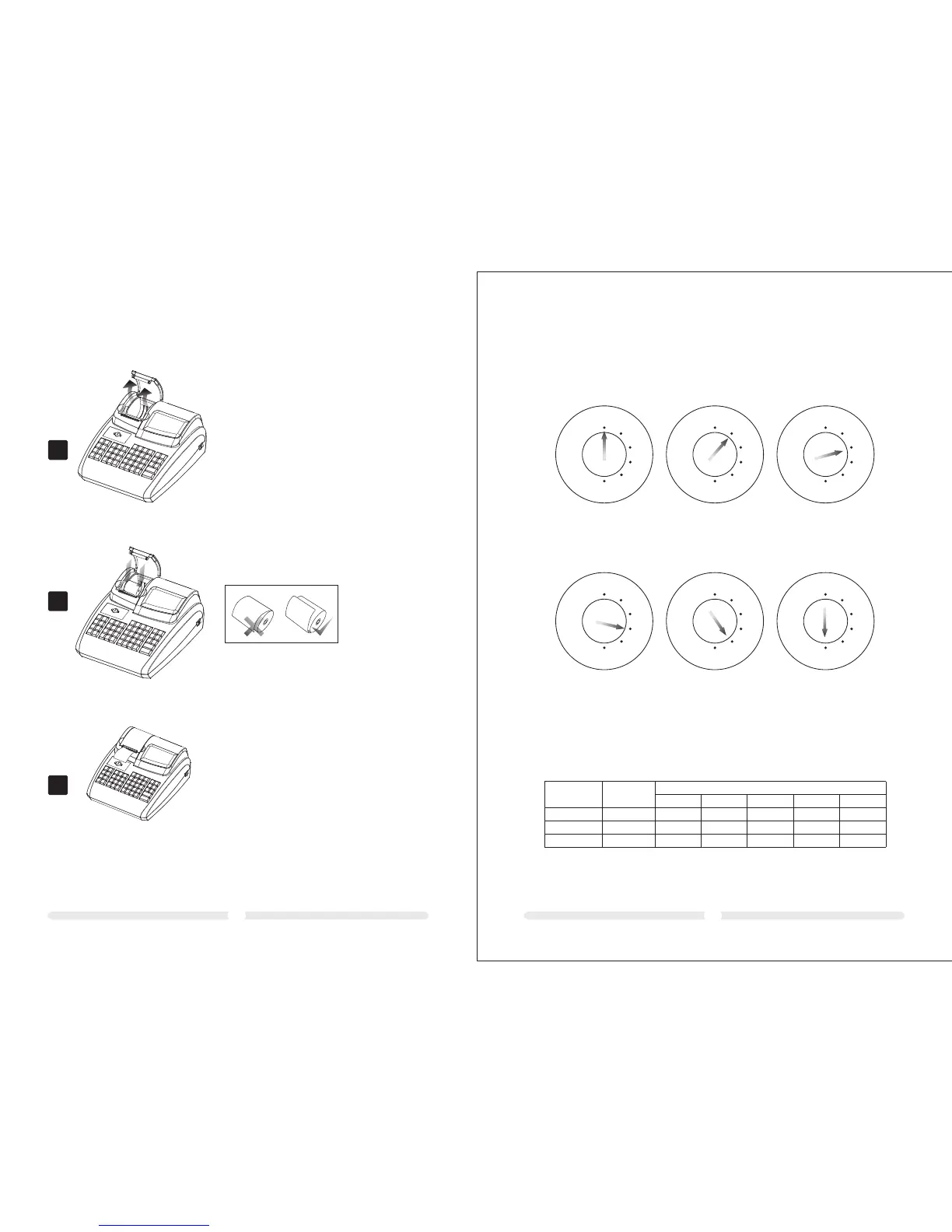
A.Open the printer cover in the arrow direction
B.Put in the paper roll.
C.Drag out the paper end and close the cover.Tear
off the paper end out side the printer.
3 Load paper
B
A
C
0403
4 Key Switch
4.1 Key switch positions
The key can be turned to five different positions:
REG
X
Z
LOCK
PRG
REG
X
Z
LOCK
PRG
REG
X
Z
LOCK
PRG
REG
X
Z
LOCK
PRG
REG
X
Z
LOCK
PRG
OFF
REG
X
Z
LOCK
PRG
REG
X
Z
PRG
The cash register
is off
Registration mode Print report without
memory deletion
Print report with
memory deletion
None Programming mode
4.2 Keys
Six different keys are available for use with the cash register:
Key
identification
No. of keys
Switch position
LOCK
REG
X Z
PRG
√
S
Z
P
2
2
2
√
√
√
√
√
√
√
√
√
√
√



 To Next Page